FEATURE SPECIFICATION

Broker Ingestion & Execution Normalisation

Connect your broker via CSV, HTML or direct API. Limbix parses raw executions, matches multi-leg orders, and normalises timezones in under five minutes.

CAPABILITIES

How Limbix processes raw execution history.

CSV & HTML File Parsing

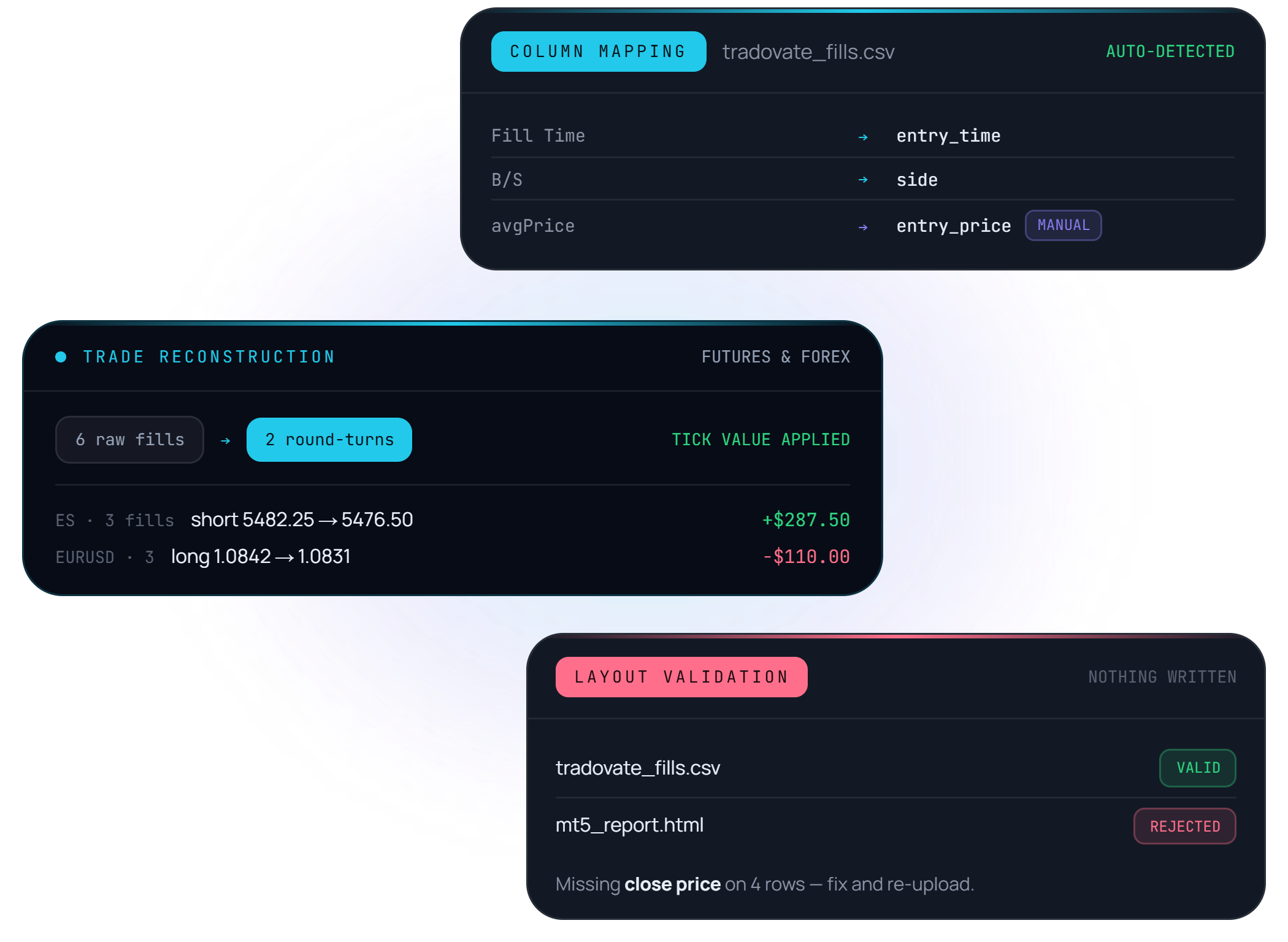
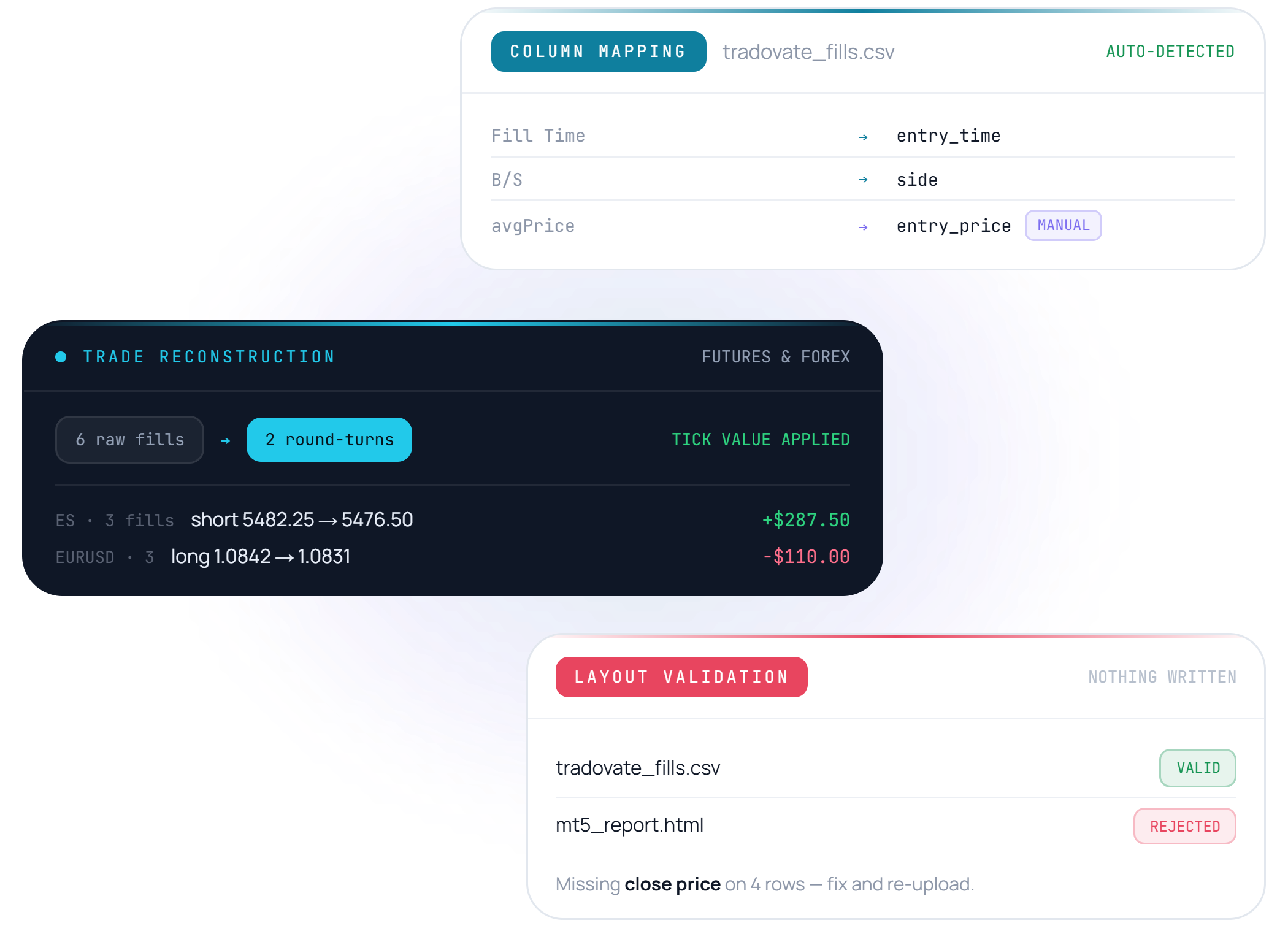
Upload statement exports from Tradovate, TradingView, MetaTrader 5, Interactive Brokers, ThinkorSwim, and TradeZero.

  • Direct auto-detection or custom manual column mapping
  • Futures and forex reconstruction from raw fills
  • Layout validation rejects malformed files before anything is written
CSV & HTML File Parsing
Order Matching & Deduplication

Order Matching & Deduplication

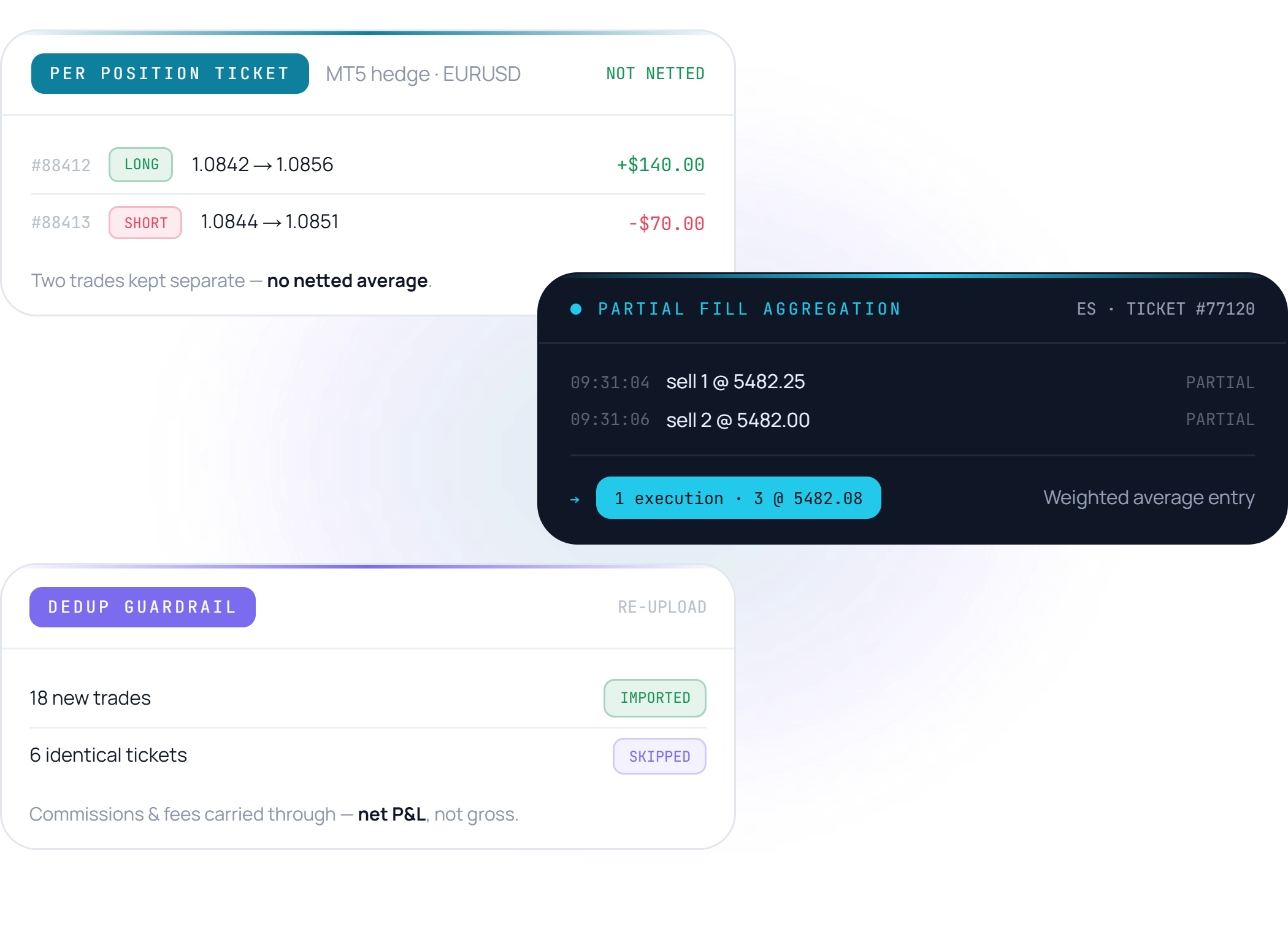
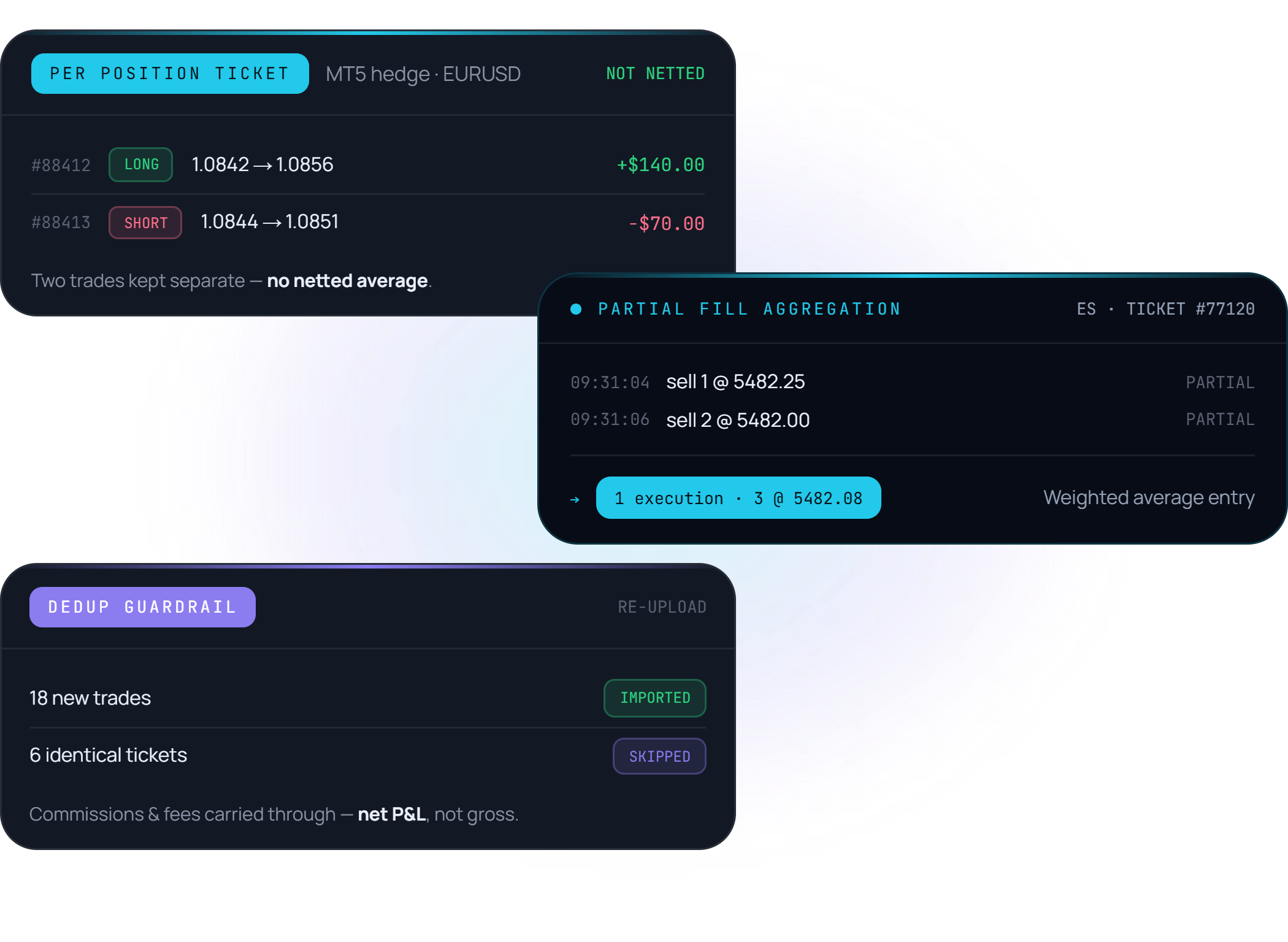
Fills are matched per position ticket — so an MT5 hedge (long and short on the same symbol at once) stays two trades, not one netted average.

  • Deduplication guardrails prevent double-importing identical trades
  • Partial fill aggregation into unified position executions
  • Commissions and fees carried through to net P&L

Timezone Normalisation

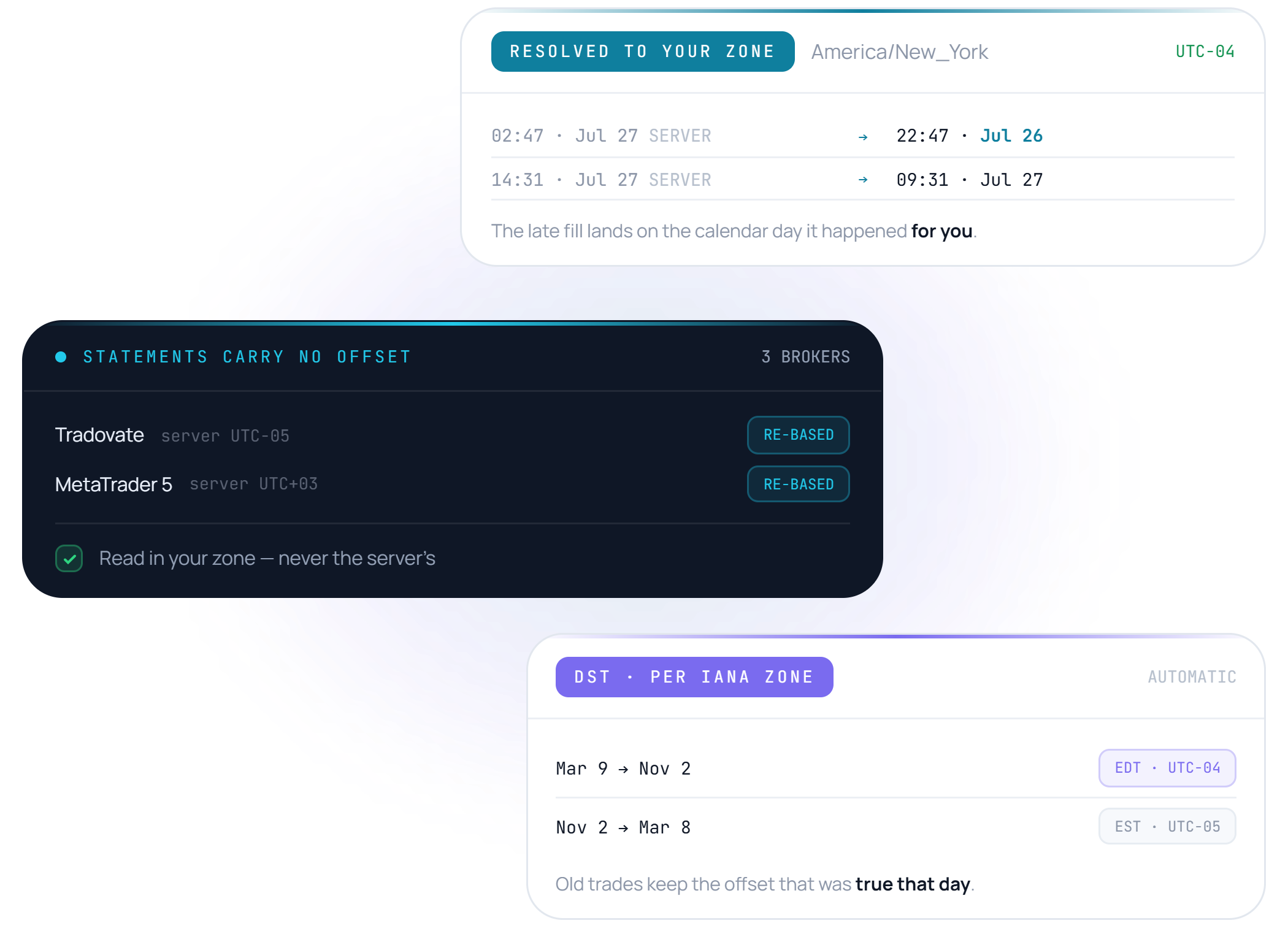
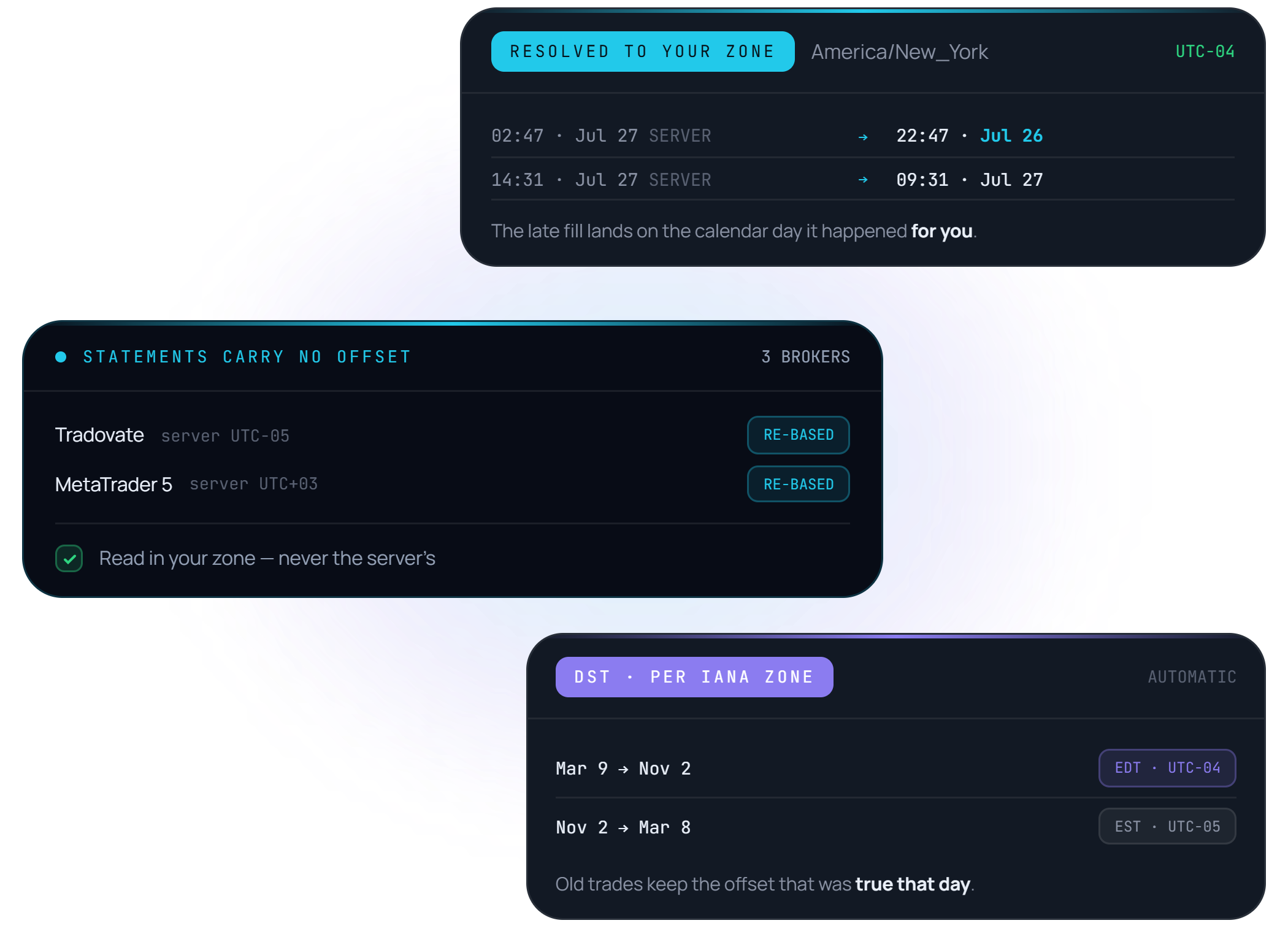
All trade timestamps are resolved into your local timezone, automatically.

  • Every trade lands on the calendar day it happened in YOUR timezone
  • Broker statements carry no offset — Limbix reads them in your zone, not the server's
  • Daylight-saving shifts handled per IANA zone, automatically
Timezone Normalisation
FAQ

Frequently asked feature questions.

Which brokers are supported out of the box?

Limbix supports exports from Tradovate, TradingView, MetaTrader 5, Interactive Brokers, ThinkorSwim, TradeZero, and a universal CSV template.

Can I re-import the same file without creating duplicate trades?

Yes. Limbix hashes execution ticket IDs and order timestamps, automatically ignoring any trades that already exist in your log.