
01 · Start here
Set Your Trading Risk Limits in Limbix
Set your trading risk limits in Limbix: max risk per trade, max daily loss and trades per day. What each one changes in your scores. None of them blocks trades.
Your trading risk limits live in Limbix under Settings, then NEX. Max risk per trade, max daily loss and max trades per day become the yardsticks your Risk Score and mistake flags measure you against. Your stand-down line is counted, never scored. Nothing you set here blocks a trade, because Limbix can't place, modify or cancel an order.
Before you start#
- A limit you leave empty is not measured. Nothing is filled in for you. A limit you never set is not one you can be scored against, so the matching score shows "—" instead of a guess.
- A percentage needs an account size. If any limit is set in %, fill Account size first. One balance covers all three limits.
- Settings saves as you go. A choice saves on its own; a number saves when you leave the field.
- Prop accounts bring their own limits. If your firm's rules are recorded in Prop Hub, a Firm limits strip appears under the fields. Your firm's limits outrank yours.
Set max risk per trade#
Outcome: every trade's risk amount is compared with the most you said one trade may risk.
Open the Risk profile card
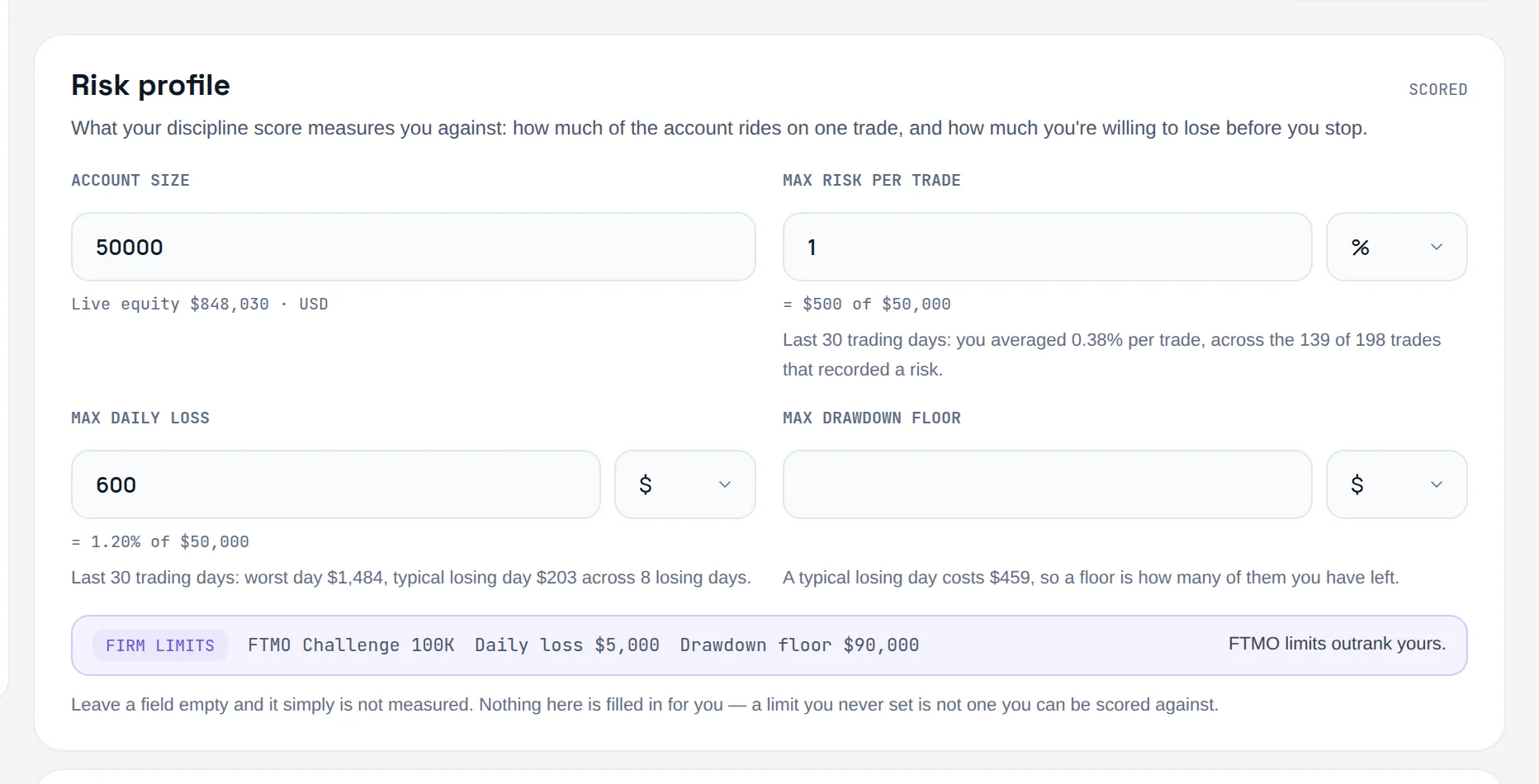
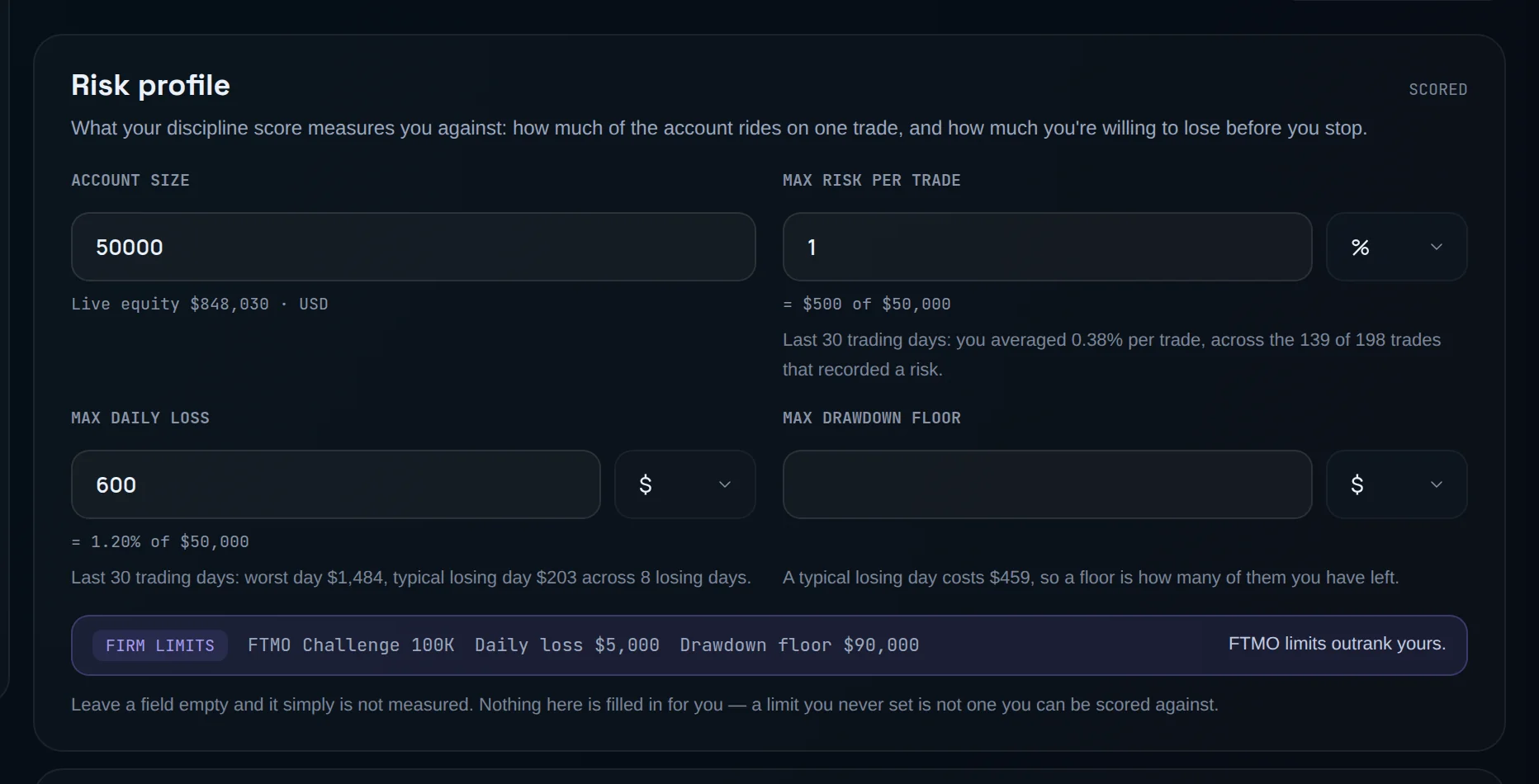
Go to Settings and choose NEX. The first card is Risk profile.
Enter your account size
Fill Account size: the balance every percentage is measured against.
Enter your cap and its unit
Fill Max risk per trade and choose % or $ beside it. The line under the field converts it to the other unit as you type. $ means an amount in your account's currency: the button and the conversion line show a $ sign whatever currency you trade in.
What it changes:
- Oversized position. A trade whose risk amount is above your cap is flagged, when the trade and your account share a currency.
- Risk Rule Adherence. Each playbook-linked trade with a risk amount is checked against the stricter of this cap and the playbook's own cap.
Risk amount comes from your stop, so a trade without one can't be checked. See R-multiple.
Set max daily loss and max trades per day#
Outcome: Limbix can tell whether you kept trading after you said you'd stop.
Set the daily loss
In Risk profile, fill Max daily loss and pick $ or %. The line under it shows your worst day and your typical losing day over your recent trading days.
Set the trade cap
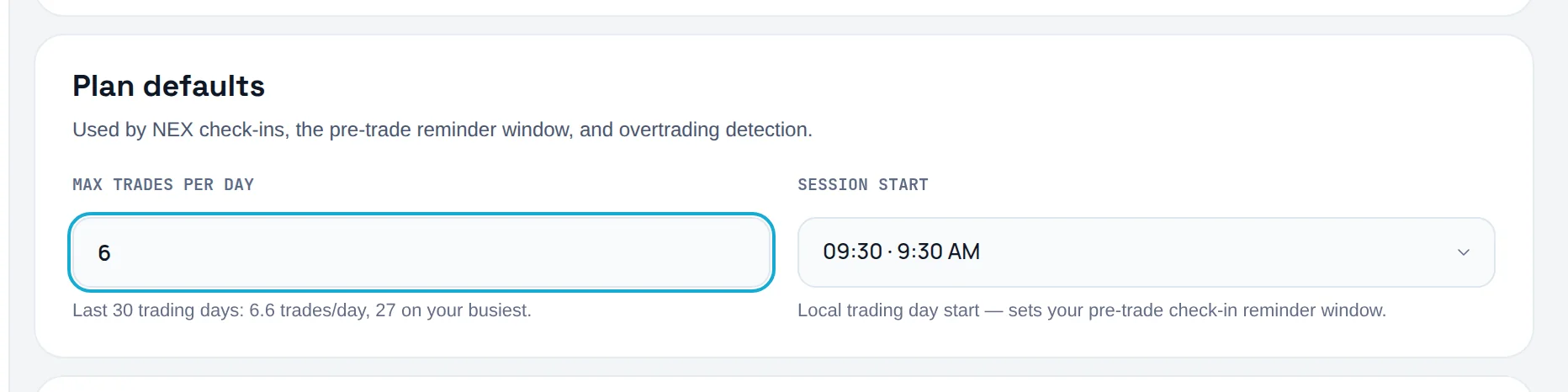
In the Plan defaults card, fill Max trades per day. The hint under it shows your recent average and your busiest day.
Set a floor (optional)
In Risk profile, fill Max drawdown floor: the balance you never let the account fall below.
What they change:
- Exposure Discipline. It averages two daily checks: did you open a trade after your running loss had already reached your max daily loss, and did you stay within max trades per day. A day that simply ends below the limit, with nothing opened after the crossing, passes.
- Overtrading. A trade is flagged when it takes you past your max trades per day, or well above your normal day's count, whichever comes first.
- Max drawdown floor feeds the survival line on the pre-trade check-in: how many average losing days you have left before the floor.
Draw your stand-down line#
Outcome: a pre-commitment Limbix counts against your real days.
Open the card
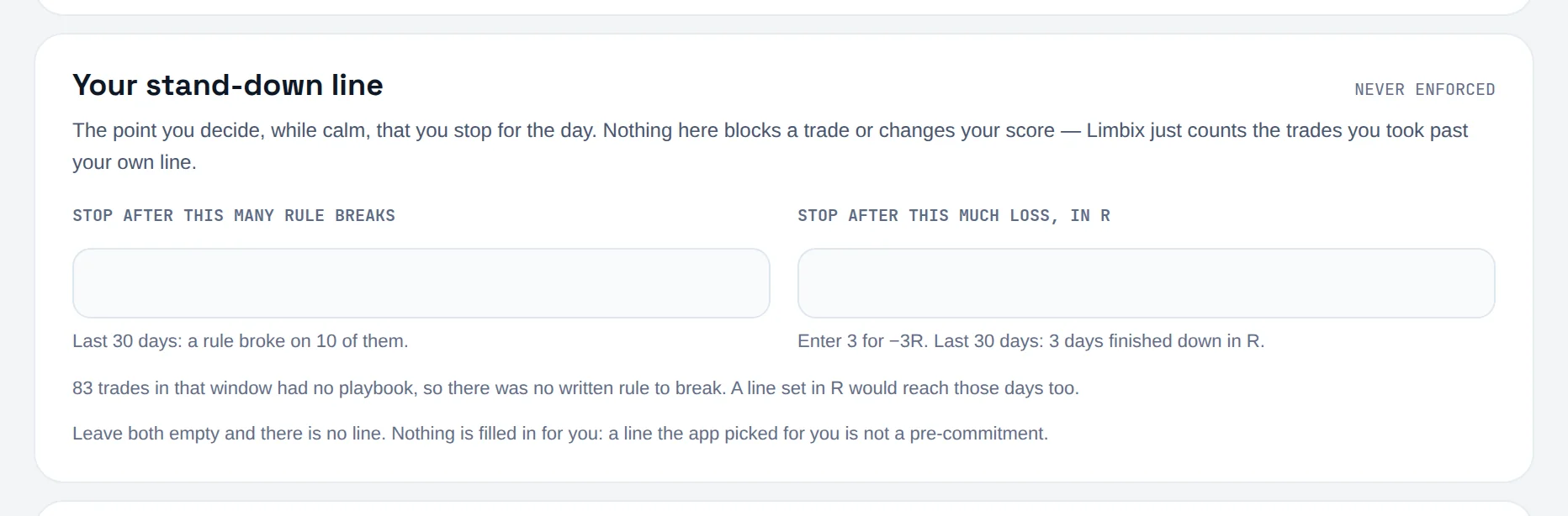
Scroll to Your stand-down line, marked Never enforced.
Choose one or both triggers
Fill Stop after this many rule breaks, Stop after this much loss, in R, or both. Enter 3 for −3R.
Read how it went
Once a line exists, How the line went shows how many trades you took past it in the last 30 days.
The line is counted, never scored, and never blocks a trade. It does not feed the Risk Score. How it's counted is in Stand-down line.
Which limit wins#
Limbix collects limits in more than one place. For each limit it walks this order and uses the first usable number:
| Order | Source | Where it's set |
|---|---|---|
| 1 | Prop firm rule | The firm's rule set in Prop Hub, for that prop account |
| 2 | Today's check-in declaration | Max loss limit and Max trades on today's pre-trade check-in |
| 3 | Account constraint | A limit stored on that trading account |
| 4 | Your default | Settings, then NEX |
| — | Nothing set | Not measured |
A higher rung wins even when a lower one is stricter. The details, including which rungs apply to which limit, are in the risk limit chain.
What your trading risk limits change#
| Limit | Feeds | Where you'll see it |
|---|---|---|
| Max risk per trade | Oversized position, Risk Rule Adherence | A trade's mistakes, Discipline & Risk |
| Max daily loss | Exposure Discipline | Discipline & Risk |
| Max trades per day | Exposure Discipline, Overtrading | Discipline & Risk, a trade's mistakes |
| Max drawdown floor | Survival line on the pre-trade check-in | Check-ins (Pro) |
| Stand-down line | Counted only | Discipline & Risk, pre-trade check-in |
Common problems#
Exposure Discipline still shows "—". It needs a max daily loss or a max trades per day, and at least 3 trading days in the last 30.
My percentage limit isn't being used. A % limit with no Account size can't become money, so it is skipped. Fill Account size.
My prop firm's limit shows instead of mine. That's the chain working: firm rules outrank your defaults. Your own fields still apply to your non-prop accounts.
Frequently asked questions#
What is a good max risk per trade?#
Limbix doesn't pick one for you, and there is no default. Many traders state a small fixed percentage of the account, but the right number is the one you will actually keep. Start from the average the hint under Max risk per trade shows you, then set the cap you intend to hold. Risk Consistency rewards sizing evenly around your own median, whatever it is.
Should I set my daily loss in dollars or as a percentage?#
Either works, and the unit is stored with the value. A % limit scales with your account: if the account grows, the limit grows. A $ limit stays fixed, which is how most prop firms state their rules. If you choose %, you must fill Account size, because a percentage without a balance is not a limit.
Does Limbix stop me from trading when I hit my limit?#
No. Limbix has read-only access to your trade history. It cannot place, modify or cancel an order, and nothing in it blocks a trade. It records what you did against the limits you set, and your scores reflect it. The pre-trade check-in shows where you stand against your stand-down line before you trade.
Why doesn't my stand-down line change my Risk Score?#
Because it's your own pre-commitment, not a rule Limbix applies to everyone. A score built on it would mean something different for every trader. So Limbix measures and reports it, and keeps it out of the score. Your max daily loss and max trades per day are what Exposure Discipline scores.