
01 · Start here
Trading Journal Setup: Your First 7 Days in Limbix
A day-by-day trading journal setup for Limbix: account, first playbook, trade import, stops, risk limits and check-ins, and the data each score needs.
Your trading journal setup in Limbix takes one week of normal trading. Day 1 you create an account and a playbook and bring in your trades. Day 2 you add stops so R exists. Day 3 you set risk limits. By day 7 your Discipline and Risk scores have real data, and NEX can review the week.
Before you start your trading journal setup#
- Have a broker export ready, or a few recent trades you can type in. Limbix imports futures and forex/CFD trades. Equities, crypto and options aren't supported yet.
- Know your account size, which onboarding asks for. The most you're willing to risk on one trade is optional, and you can add it on day 3.
- Everything on this page works on Essential except check-ins and NEX, which need Pro.
Day 1: Set up your account and first playbook#
Outcome: a trading account keyed to your timezone, and one playbook to grade trades against.
Pick your market
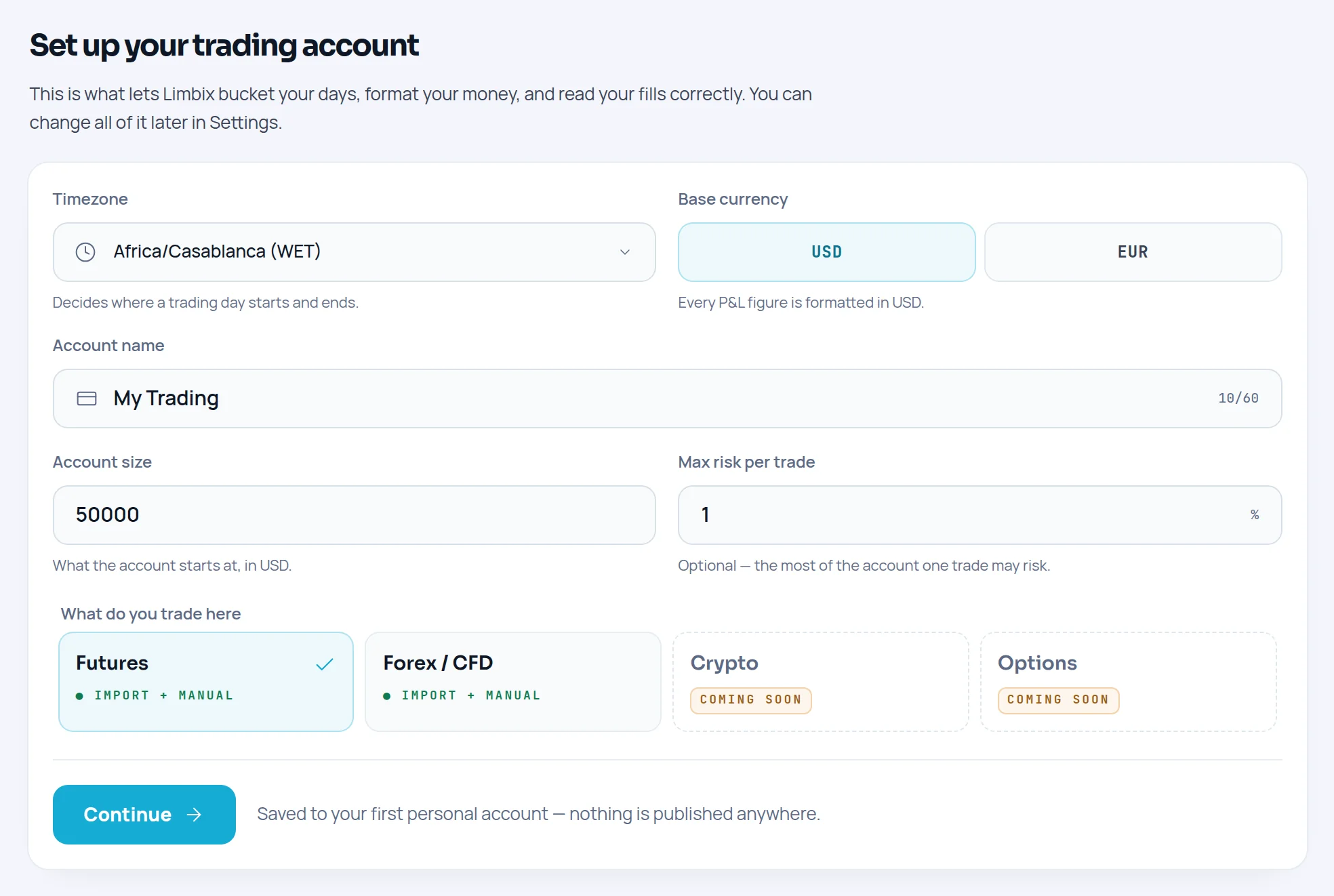
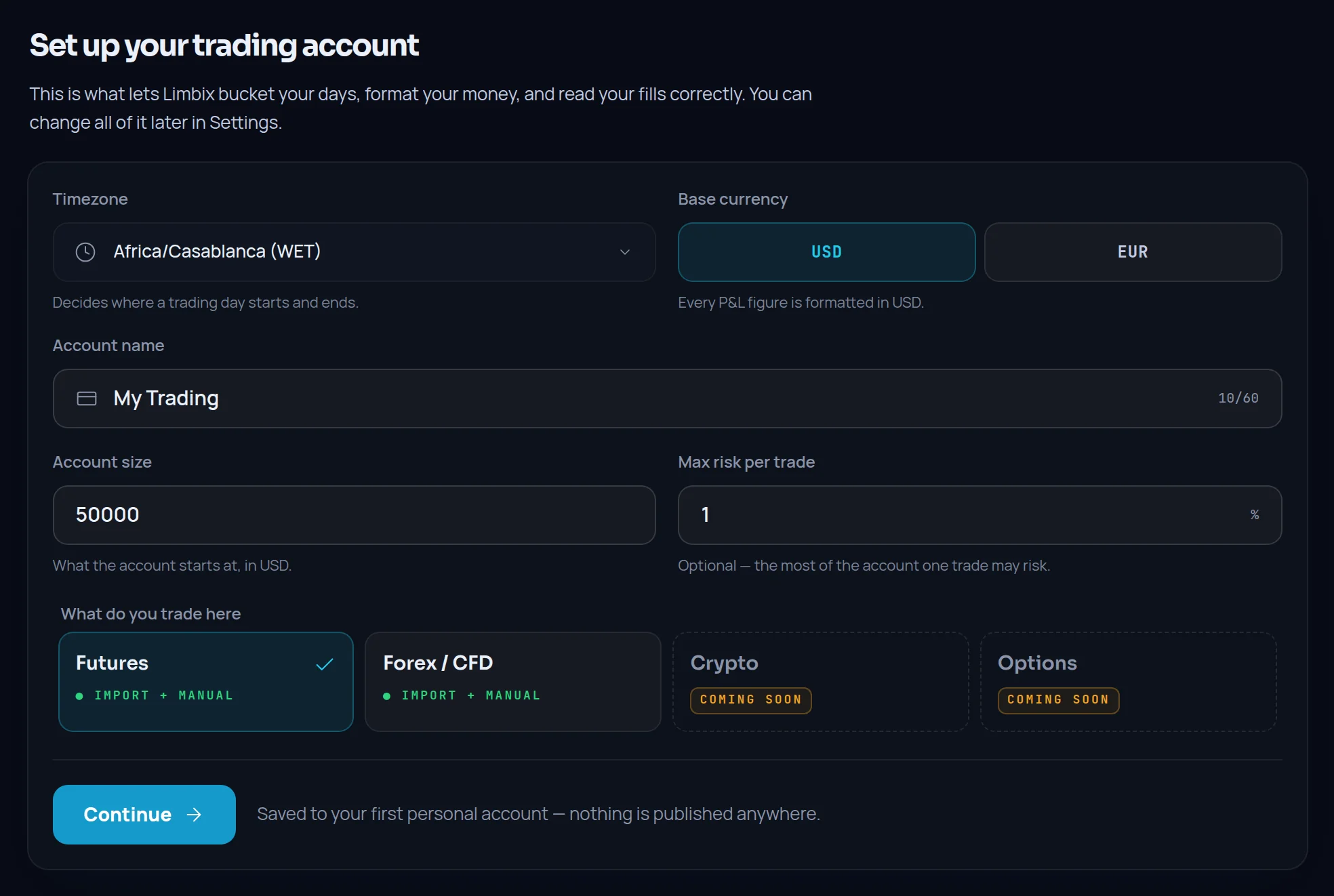
Under What do you trade here, choose Futures or Forex / CFD. Crypto and Options are shown as Coming soon and can't be picked yet.
Set your timezone and currency
Choose your Timezone first. It decides where your trading day starts and ends, and how Limbix reads broker times that carry no timezone. Then pick a Base currency and name the account under Account name.
Add your risk basics
Enter Account size, which is required. Add Max risk per trade as a percentage if you've decided on one, or leave it for later. Together they let the Risk Score check each trade's risk against your own cap. Click Continue.
Create your first playbook
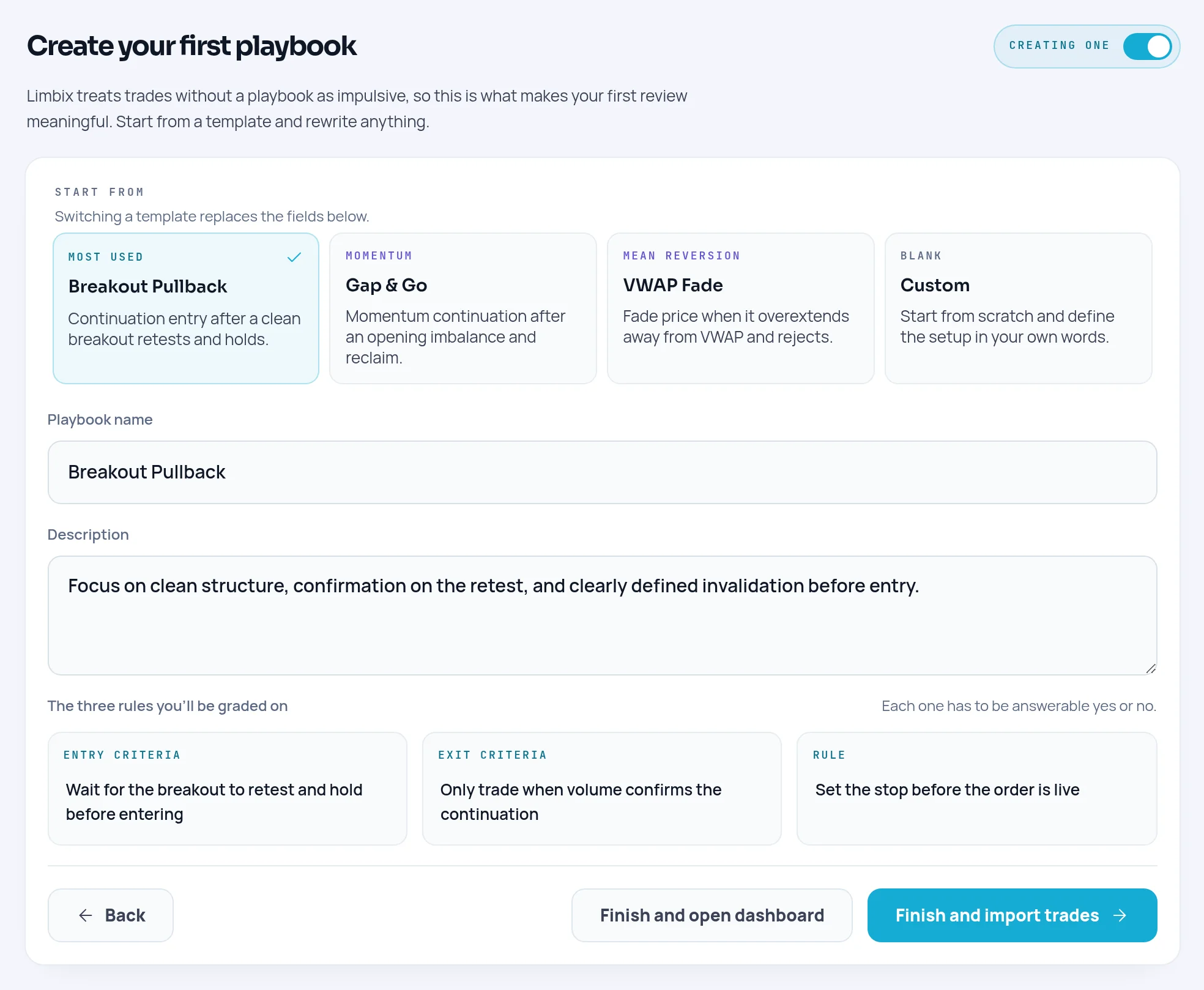
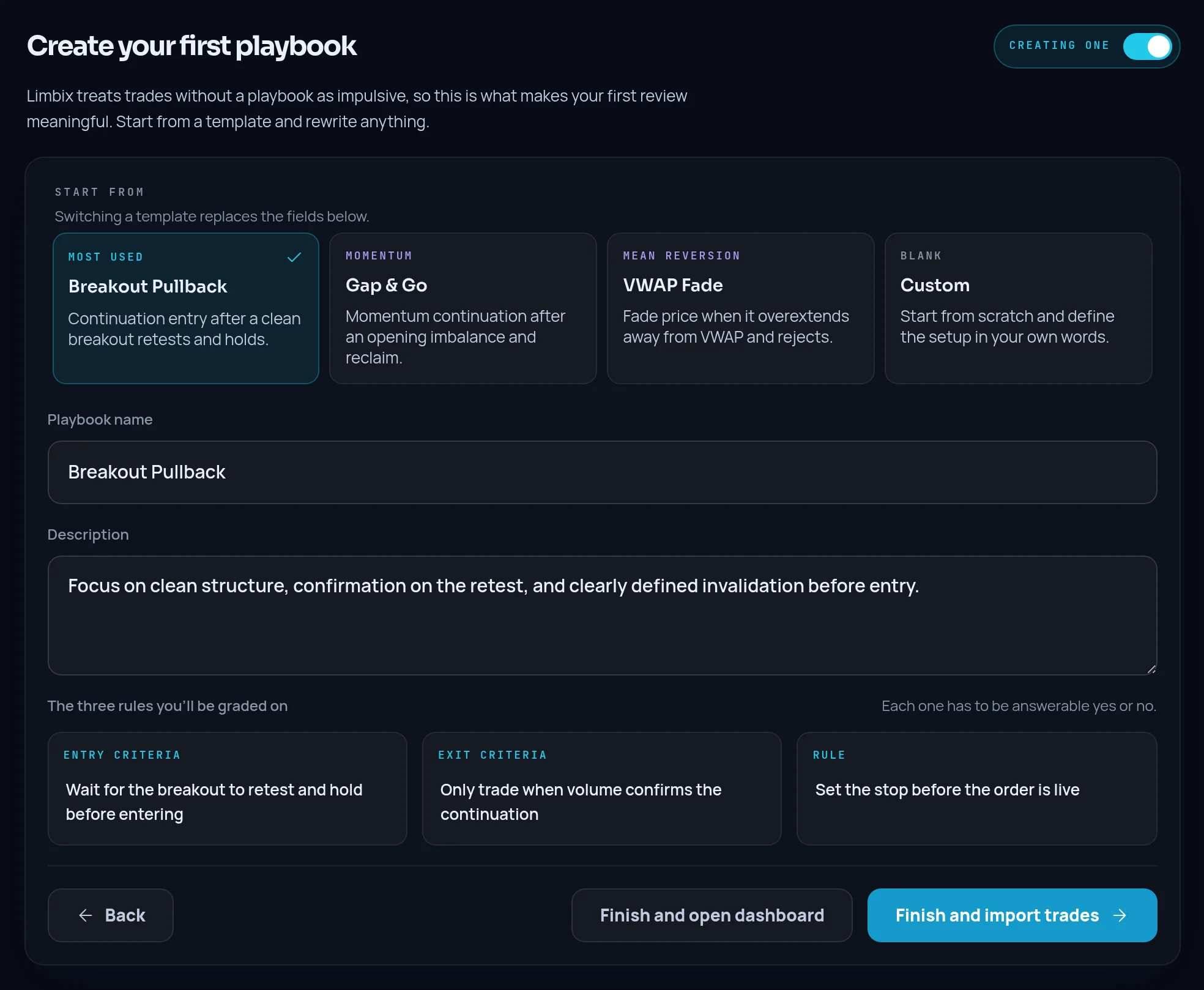
Under Start from, pick a template or Custom. Rewrite the Playbook name, Description and the three rules: Entry criteria, Exit criteria and Rule. Each rule should be answerable yes or no.
Finish
Click Finish and import trades to go straight to the importer, or Finish and open dashboard.
Day 1: Import or add your trades#
Outcome: your recent trades in the Trade Log, each with a trading day, a net P&L and, where the file carries one, a stop.
Open the importer
Click Add trades in the sidebar. Choose the account under Import into account.
Drop your file
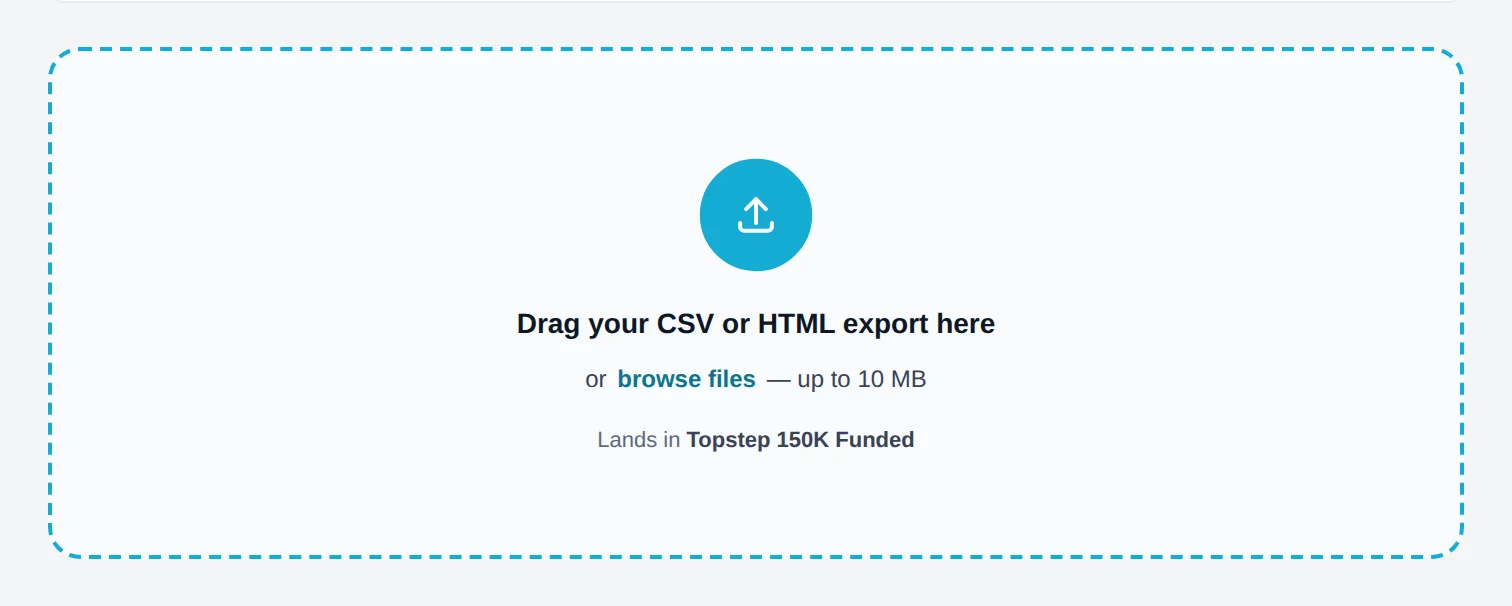
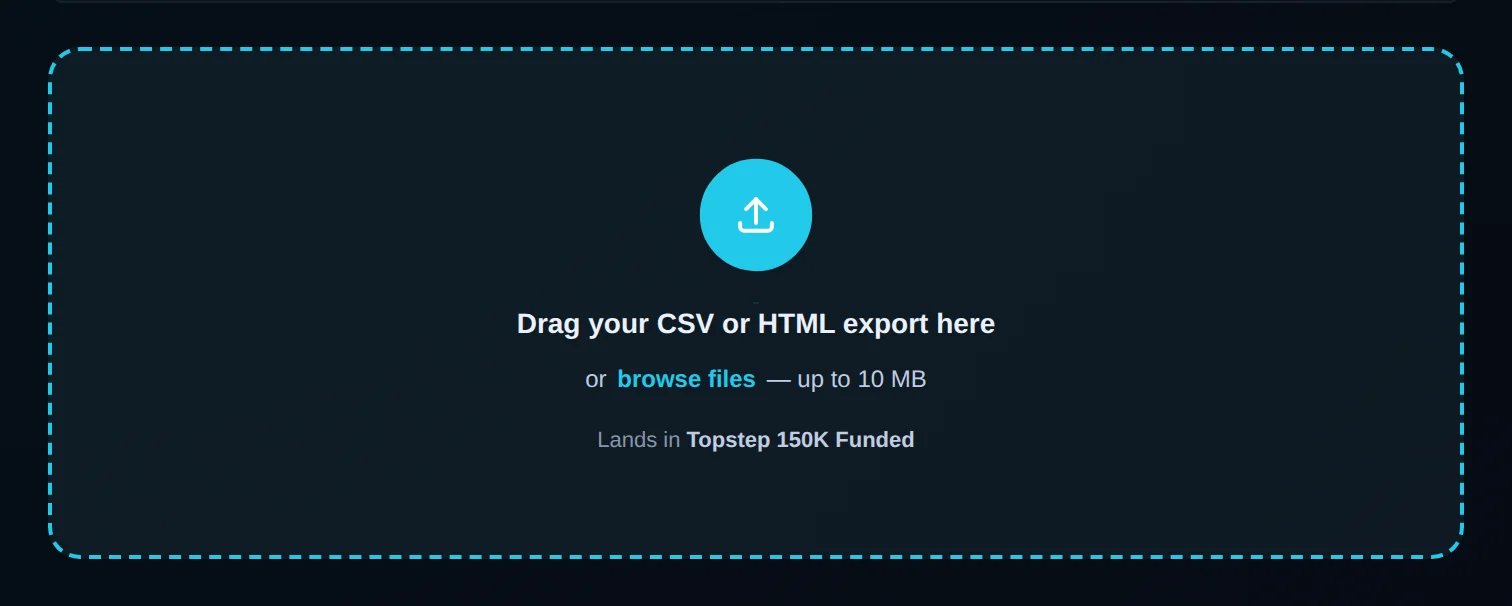
Drag a CSV or HTML export onto Drag your CSV or HTML export here, or click browse files. Tradovate, TradingView Paper Trading, MetaTrader 5, Interactive Brokers, ThinkorSwim and TradeZero files are detected on their own.
Check the mapping
On Map, confirm the six required columns: Symbol, Date, Side, Price, Quantity and Status. Map Fees / commission too, or your net P&L will equal your gross P&L.
Assign playbooks
On Playbook, link the imported trades to your playbooks. Anything you leave unlinked is recorded as impulsive.
Confirm
On Review, click Confirm import. Re-importing the same file later won't duplicate trades: they are matched by content, not filename.
No export handy? Choose Log one manually and fill in the trade, then click Save trade. Each source has its own section in the add-trades guide, and the import formats reference lists what every file must contain.
Day 2: Add stops and targets so R exists#
Outcome: every trade has a risk amount, so it gets an R multiple and counts toward your Risk Score.
Open a trade
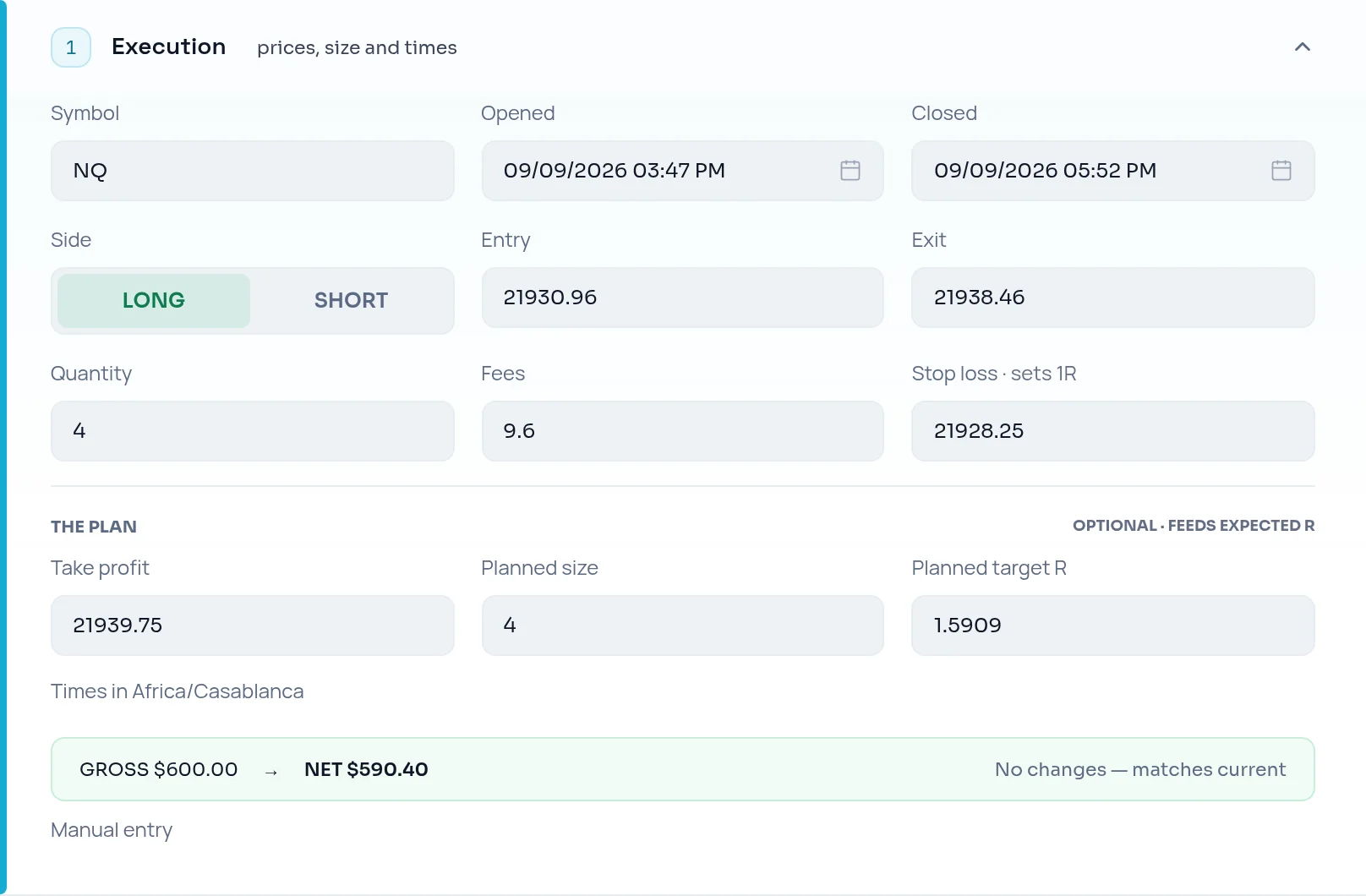
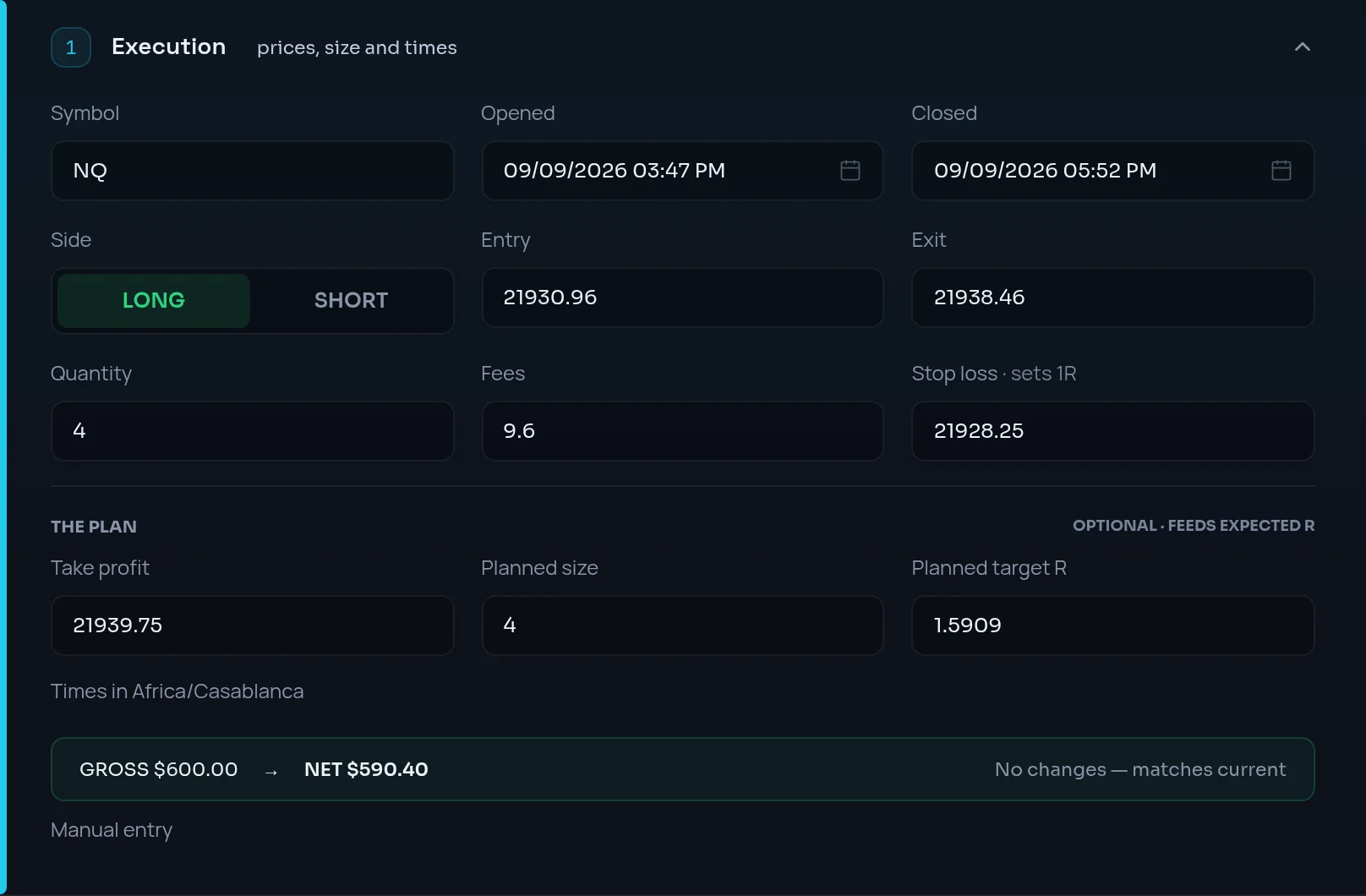
In Trade Log, click a trade that shows no R, then click Edit.
Enter the stop you actually had
Fill Stop loss with the price your stop sat at when you entered. Add Take profit if you had a target.
Save
Click Save changes. Realized R and expected R:R are recomputed from the new prices.
Day 2: Link a playbook to every trade#
Outcome: no accidental impulsive trades, and a rule-by-rule record of what you followed.
Open the trade's edit form
In Trade Log, open the trade and click Edit.
Pick the playbook
Open the Playbook section. Under SELECT PLAYBOOK, search for the playbook the trade was taken under and click it.
Mark each rule
Every rule starts ticked as followed. Untick each rule you broke: it's marked BROKEN and saved as a violation. Click Save changes.
If a trade really was unplanned, leave it without a playbook. Recording it honestly is the point. See linking a playbook.
Day 3: Set risk limits and a stand-down line#
Outcome: your Risk Score measures you against numbers you chose, not invented ones.
Open your risk profile
Go to Settings, then NEX. The first card is Risk profile.
Fill in your limits
Set Account size, Max risk per trade and Max daily loss. Set Max trades per day in the Plan defaults card.
Draw your line
In Your stand-down line, fill Stop after this many rule breaks, Stop after this much loss, in R, or both. Limbix counts trades you take past it. It never blocks one.
Settings saves as you go. What each field changes is in Set your risk limits.
Days 3–7: Check in before and after you trade#
Outcome: a daily record of how you showed up, and a grade for how the session went.
Before your first trade
Open Check-ins in the sidebar. Rate how you're showing up, pick any stressors, and fill Max trades and Max loss limit for today. Click Ask NEX for the call.
After your session
Open the post-trade check-in, grade yourself, and click Ask NEX to grade the session. NEX's grade appears beside yours.
Today's Max loss limit and Max trades outrank the defaults in Settings for that day. The order is explained in the risk limit chain. More in check-ins.
Day 7: Read Discipline & Risk, then ask NEX for a brief#
Outcome: you know your weakest dimension and one thing to change next week.
Open Discipline & Risk
Click Discipline & Risk in the sidebar and choose Week. Read your Discipline Score and the risk ring beside it.
Find the weakest part
Look for the lowest of the four risk components. It limits your Risk Score, and your Risk Score caps your Discipline Score.
Ask NEX
Open NEX Journal and ask for a review of your week. NEX answers from your journal with the same formulas as the dashboard. Prompts that work well are in NEX prompts.
The page itself is explained in the Discipline guide.
Why some scores stay empty at first#
A new journal shows "—" in places. That is a gate, not a zero. Each part of the Risk Score needs enough recent data, always over the trailing 30 days.
| What you see | What it needs | Fix |
|---|---|---|
| Discipline Score | At least one scoreable rule check in the period | Link trades to a playbook that has rules |
| Risk Consistency | 8 trades with a risk amount, in one currency | Add stops (day 2) |
| Loss Containment | 5 losing trades that had a real stop | Add the stops you actually had |
| Exposure Discipline | A max daily loss or max trades per day, and 3 trading days | Set limits (day 3) |
| Risk Rule Adherence | Playbook-linked trades with a risk rule that can be checked | Add risk parameters to your playbooks |
| Risk Score | Enough of its four parts measured to judge you fairly. One part on its own is never enough | Fill the gates above |
| Behavioral Profile (Pro) | 30 trades | Keep journaling |
Frequently asked questions#
How long before my Limbix scores mean something?#
Most traders see a Discipline Score on day 1, as soon as a trade is linked to a playbook with rules. The Risk Score takes longer. It needs recent trades with stops and at least one limit, and the gates above decide when each part appears. For an active day trader that is usually within the first week. A swing trader may need a few weeks.
Do I have to import trades, or can I log them by hand?#
Either works, and you can mix them. Manual entry is fastest for a few trades and lets you record the playbook, rules, emotion and stop as you go. Importing is faster for history. Re-importing a file never duplicates trades, because each trade is matched by its account, symbol, side, open time, quantity and entry price.
What if my broker isn't in the list?#
Use Generic CSV. Upload any CSV, then map your columns to Symbol, Date, Side, Price, Quantity and Status on the Map step. Optional columns like Fees / commission and Stop price make the numbers more complete. Only futures and forex/CFD instruments with a known contract size import today. See instruments.
Why does Limbix keep asking for stops?#
Because risk is measured in R, and R needs a stop. Without one, a winner has no R and a loser is measured from its exit, which says nothing about whether your stop held. Stops feed more of the Risk Score than any other input. Enter the price you really had, not a tidier one.