
03 · NEX
NEX actions: every journal change waits for your confirm
ProNEX actions are ten changes NEX can make to your Limbix journal, from tagging a trade to logging a note. Each waits for your Apply, and most can be undone.
NEX actions are the ten changes NEX can make to your Limbix journal, from grading a trade to logging a note. NEX never makes them on its own: each one arrives as a card that says what will change and why, and nothing is written until you press Apply. Six of the ten can be undone the same way.
How NEX actions work#
Ask in plain words in the NEX Journal: "tag my last trade as moved-stop", "log to my notebook: stayed patient all morning". NEX can also offer to save a fix it just suggested. Either way, you get a proposal, never a finished change.
- NEX proposes. A NEX action card shows the change, the reason, and for trade changes every trade it will touch by symbol, date and time, with the count.
- You decide. Press Apply to write it, or the cancel button to drop it ("Cancelled. No changes were applied."). A short reply works too: "yes" or "go ahead" applies; "no" or "not now" cancels. An unsure reply ("maybe", "not sure") never applies anything.
- The app confirms. Limbix writes the change, reads it back, and only then shows a confirmation such as "Applied grade B." The model never says a change is done.
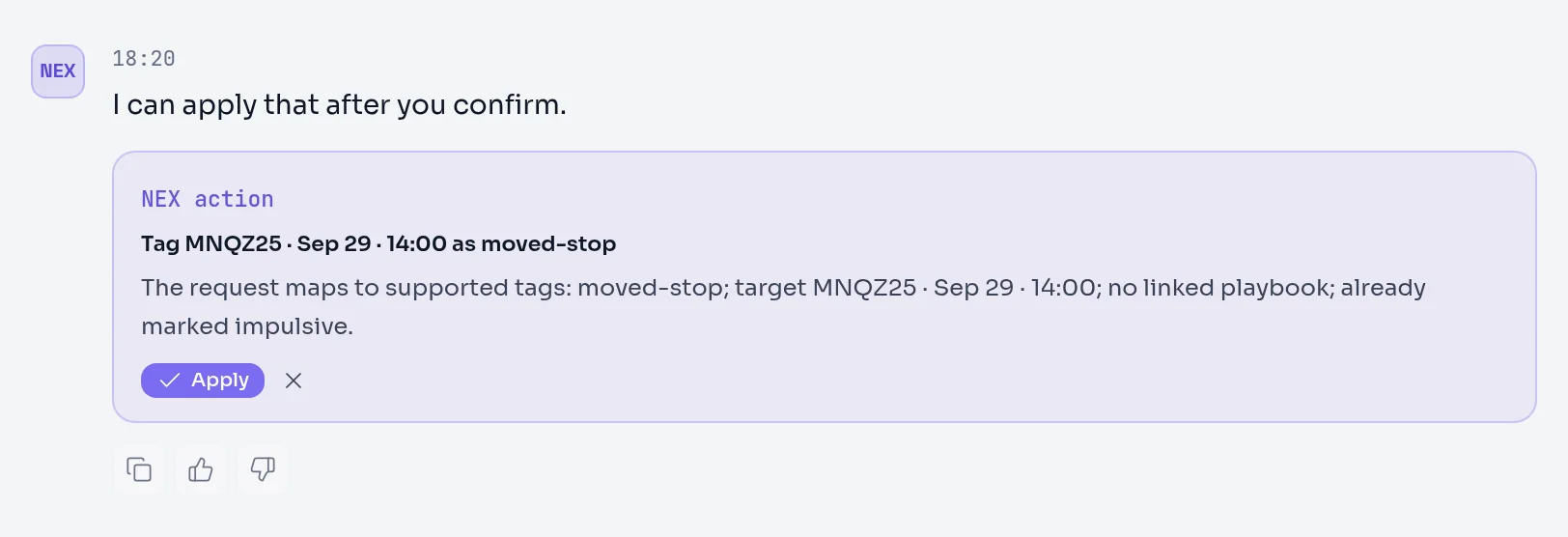
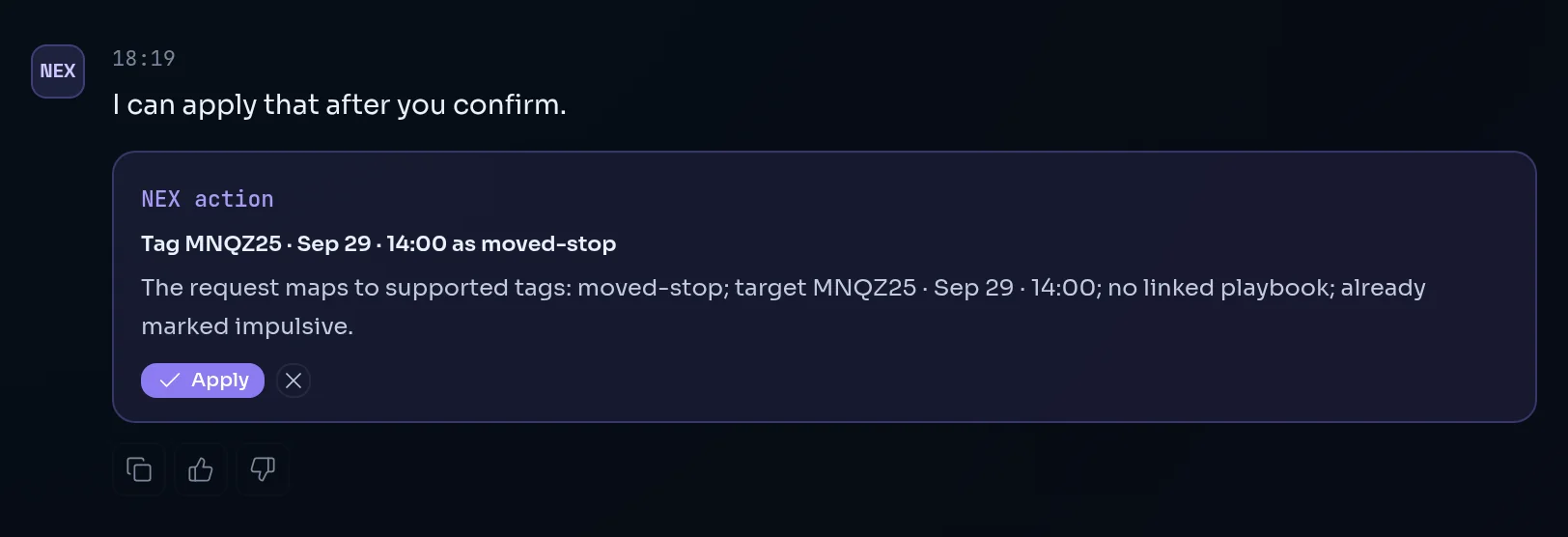
A proposal expires after two hours; ask again if you come back later. Pressing Apply twice does nothing the second time: "That action was already applied."
If what you named doesn't match, NEX declines rather than guessing. "No trade at 15:06 in that session — the nearest is 15:16. Tell me which one and I'll set it up." The same goes for a playbook name that isn't one of your active playbooks: NEX lists your real ones.
The ten actions#
| Action | Ask for it like this | What changes | Undo in NEX? |
|---|---|---|---|
| Rate a trade | "grade my last ES trade as B" | The trade's grade, A to F, with the reason: its recorded rule breaks, or no playbook | Yes |
| Grade a session | "grade my June 25 session" | A session grade saved to your check-in history. NEX suggests a letter from that day's rule breaks and impulsive trades; name one to override it. A day with no trades is declined. | No |
| Set an emotion | "set the emotion on my 10:42 NQ trade to anxious" | The trade's emotion, from the Limbix emotion list | Yes |
| Tag a trade | "tag my last trade as moved-stop" | Adds tags to one trade | Yes |
| Bulk-tag a session | "tag today's trades as choppy" | Adds tags to every trade named. The card states the count and lists each one. | Yes |
| Flag impulsive | "flag my last two trades as impulsive" | Marks trades as impulsive, or clears it with "unflag" | Yes |
| Link a playbook | "link my 10:42 ES trade to Opening Drive" | Links the trade to one of your active playbooks. This also clears the impulsive flag, and the card says so. | Yes |
| Set tomorrow's focus | "set tomorrow's focus to no trades before 9:45" | Saves a carry-forward for your next pre-trade check-in | No |
| Add a watch item | "add a watch item: no size-up after two losses" | Saves a reminder that surfaces in a future check-in | No |
| Log to Notebook | "log to my notebook: stayed patient all morning" | Saves a notebook entry with your note. "Save this conversation to my notebook" saves a summary of the thread instead. | No |
A few details that matter:
- Tags come from a fixed list plus the tags you already use: emotions, session words (choppy, trend, range, volatile, clean, messy), mistake words (fomo, revenge, moved-stop, cut-winner-early, oversized, undersized, overtrading, over-leverage, averaged-down, no-rules, impulsive) and quality grades A to F. Anything else is declined with the list of what NEX can write.
- Flagging a trade that is linked to a playbook as impulsive is a contradiction, and the card warns you. The playbook link stays unless you remove it.
- Asking for more trades than exist ("flag my last three") changes only the trades that exist, and the card says how many you asked for.
- A notebook note links only the trades it mentions, not every trade in the scope. Entries are tagged
ai-coachandcoach-action. - A session grade from NEX is written by fixed rules, not by the model, and is saved as a post-trade record for that day.
A playbook link, an impulsive flag and a grade all feed your numbers. Linking or unlinking a playbook changes which rules a trade is checked against, and impulsive trades count against your Discipline Score.
How to undo a NEX change#
Every change NEX has written is listed in NEX actions in the Live context panel of the NEX Journal, with its date.
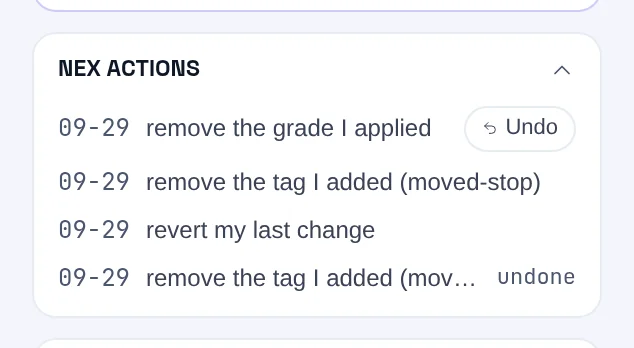
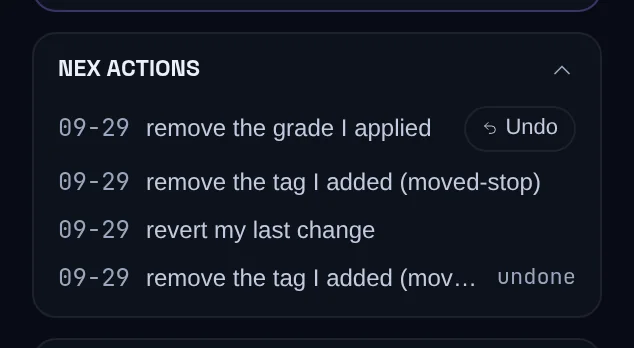
- Find the change in NEX actions.
- Press Undo. NEX proposes the revert, such as "Undo: restore the emotion to calm".
- Press Apply on that proposal. The previous value is restored exactly, trade by trade.
Typing "undo my last action" does the same for the most recent change. A change already reverted shows undone, and an undo can't itself be undone.
Four actions have no undo in NEX: session grades, tomorrow's focus, watch items and notebook notes. Delete a notebook note from the Notebook like any other entry. A session grade, tomorrow's focus or a watch item can't be removed anywhere in Limbix today, so apply them only when you mean them.
What NEX reads#
To build a proposal, NEX reads only what it needs to target it: the trades in your current scope or the ones you name by symbol, date or time, your active playbook names, your existing tags, and for a session grade that day's trades and rule breaks. To undo, it reads the stored "before" value from the original change.
What NEX won't do#
- Write without your confirm. No path writes to your journal without an Apply or a clear "yes".
- Treat a question as an order. "Which trade did you set to anxious?" is answered as a question. If nothing was applied, NEX says so: "Nothing has been applied — I only write to your journal after you confirm a proposal, and none was confirmed."
- Guess a target. A time, symbol or playbook that doesn't match is declined, with the nearest real option.
- Touch your broker. Actions change your Limbix journal only. Limbix has read-only access to trade history and cannot place, modify or cancel an order.
Prompts to try#
These reads often lead to an action. The audit, for example, offers to link a playbook to trades that have none.
Audit today's playbook adherence
What are my costliest mistakes?
How did my off-playbook trades do this week?
Actions and confirmations#
This whole page is the confirmation model, so in short: propose, then Apply or cancel, then the app confirms from the saved record. Declines are instant and cost nothing.
Limits#
- Each proposal uses one NEX interaction. A declined proposal is refunded, and pressing Apply is free.
- A proposal expires after two hours.
- NEX actions shows your most recent changes. Older ones stay in your journal but drop off the list.
Frequently asked questions#
Can NEX tag my trades automatically?#
Only with your confirm. Ask NEX to tag a trade or a whole session and it shows a card listing every trade it will change and the tags it will add. Nothing is written until you press Apply or reply "yes". NEX writes tags from a fixed list plus the tags you already use; anything else is declined with the options it can write.
How do I undo something NEX changed in my journal?#
Open NEX actions in the Live context panel of the NEX Journal and press Undo next to the change, then Apply on the revert NEX proposes. You can also type "undo my last action". Grades, emotions, tags, impulsive flags and playbook links restore to their exact previous value. Session grades, tomorrow's focus, watch items and notebook notes can't be undone through NEX.
Why did NEX say it couldn't find my trade?#
NEX declines rather than guessing. If the time, symbol or date you named matches no trade in scope, it tells you the nearest one it found and asks which you meant. Attach the trade with Trades, or name it by symbol and time, such as "my 10:42 NQ trade", and ask again.
Does linking a playbook with NEX change my Discipline Score?#
Yes, the same way linking it by hand does. A trade with no playbook counts as impulsive and fails phantom rule checks in your Discipline Score. Linking a playbook clears the impulsive flag and checks the trade against that playbook's rules instead. The proposal card tells you when a link will clear the flag.
What is the difference between tomorrow's focus and a watch item?#
Tomorrow's focus is one carry-forward commitment, shown in your next pre-trade check-in under Carry-forward. A watch item is a behavior to look out for, such as sizing up after two losses, surfaced in a future check-in with a note to review it before your first trade. Both are saved when you apply the proposal, and neither can be undone through NEX.