
02 · Guides
Broker auto-sync (coming soon)
UltimateBroker auto-sync in Limbix is not live yet. It is planned for the Ultimate plan. Until it ships, import your broker's export file or add trades by hand.
SoonThis part of Limbix isn’t live yet. The page describes what is decided so far.
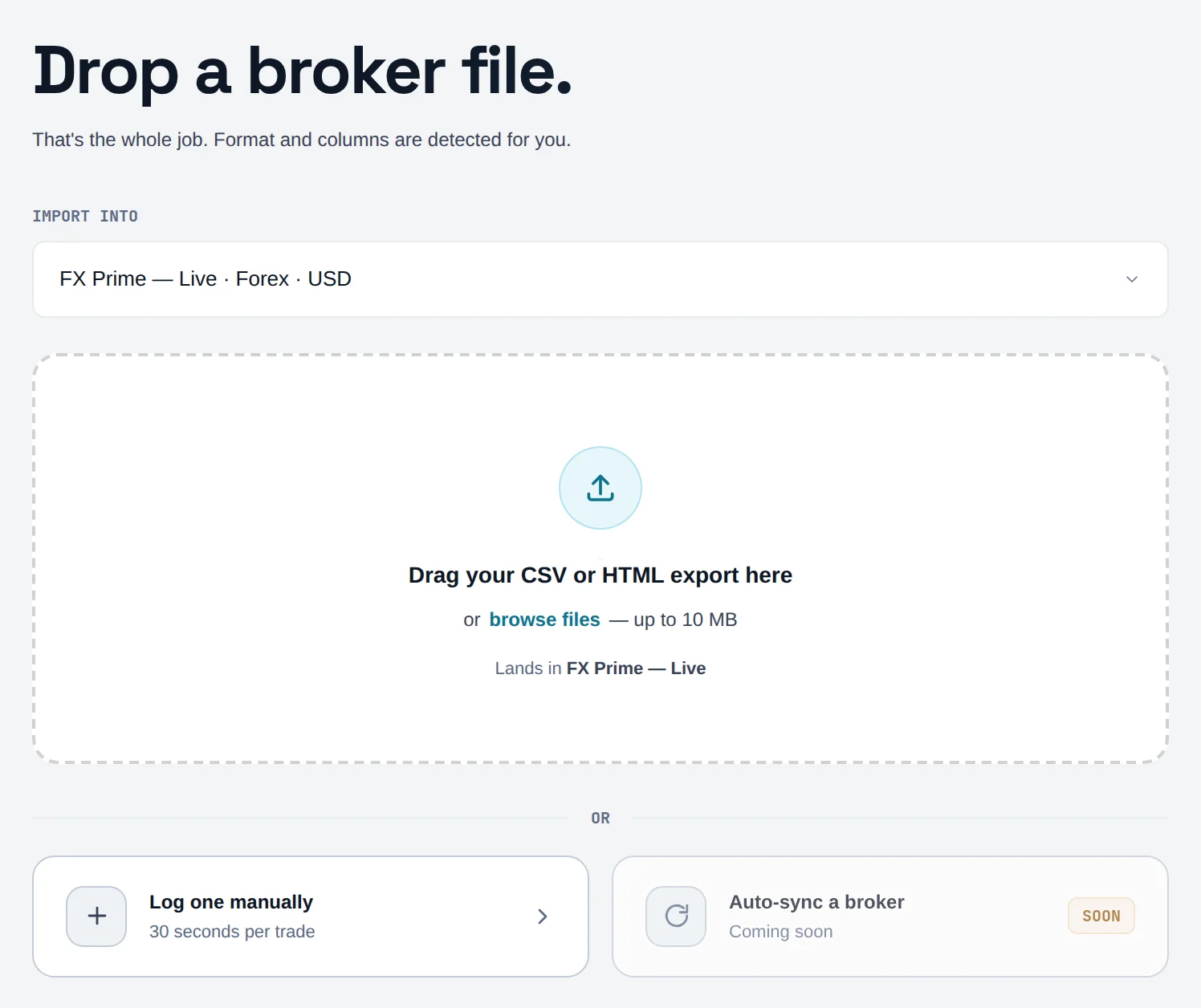
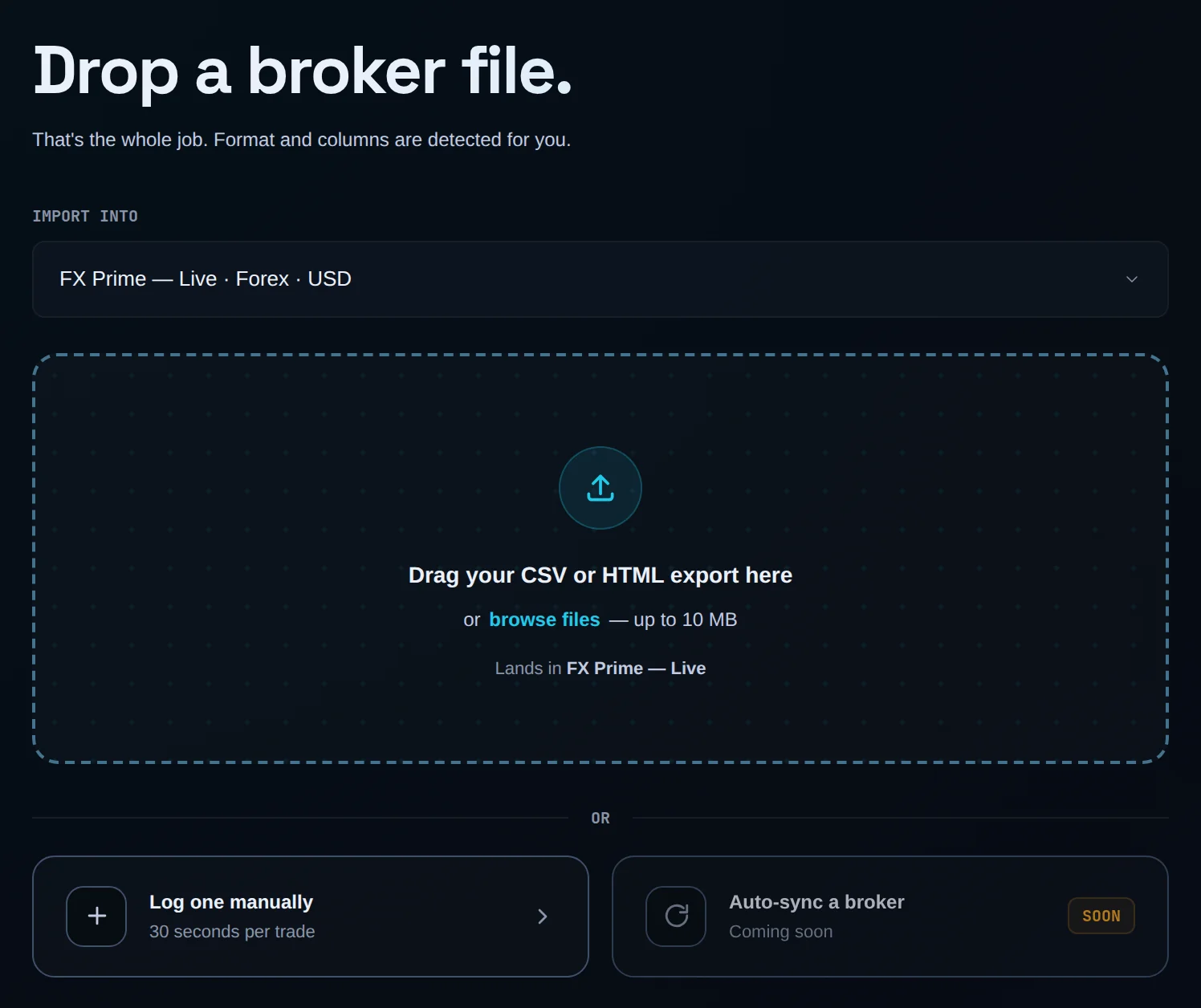
Broker auto-sync will let Limbix pull your trades from your broker without an export file. It isn't live yet. On the Add trades screen, the Auto-sync a broker card is marked Coming soon and can't be clicked. Until it ships, import your broker's export file or add trades by hand.
Before you start#
Nothing to set up yet. Every trade in Limbix today arrives by file import or manual entry, and both work on every plan. Whatever sync looks like when it arrives, Limbix will keep read-only access to your trade history: it cannot place, modify or cancel orders.
Add your trades while you wait#
You will get your history into Limbix today with a file your broker already gives you.
Open Add trades
In the sidebar, click Add trades.
Import a file
Drop your broker's export on the page. Tradovate, TradingView Paper Trading and MetaTrader 5 files are mapped automatically. See add trades for every source.
Or log one by hand
Click Log one manually to enter a single trade.
Re-importing the same file doesn't create duplicates, so a weekly export works as a manual sync. See why a trade didn't import twice and the full list of import formats.
Common problems#
The Auto-sync a broker card does nothing when I click it. That is expected. The feature isn't live, so the card is disabled.
My broker isn't in the import list. Export a CSV and use Map any CSV to match its columns.
Frequently asked questions#
Does Limbix connect to my broker automatically? Not yet. Broker auto-sync is planned for the Ultimate plan, but no broker connection is live on any plan today. You bring trades in by importing your broker's export file or by adding them by hand. Re-importing the same file skips trades Limbix already has, so a regular export keeps your journal current.
Will broker sync be able to place trades? No. Limbix is a journal, and its access to your trade history is read-only. It cannot place, modify or cancel orders, and that stays true when broker sync arrives. Nothing in Limbix blocks or triggers a trade.
Which plan will include broker sync? It is planned for Ultimate. Everything you can do today, including file import and manual entry, works on Essential, Pro and Ultimate. See plans for what each plan includes now.