
04 · Metrics
Behavioral Profile
ProThe Behavioral Profile is NEX's one-page read of your trading habits: one of nine archetypes, what it costs you and what to test next. Needs 30 trades, on Pro.
A one-page summary the AI builds from your last 30+ trades: your patterns, your triggers, your edges. Refreshes weekly on Ultimate, monthly on Pro. In Limbix, your behavioral profile names one of nine trader archetypes from your record and what that pattern costs you, in your numbers.
How it's calculated#
The profile is written by NEX, not computed by a formula. What the code does fix is when you can have one:
- trades
- All your trades in scope, counted to date.
- window
- 7 days on Ultimate, 30 days on Pro.
src/lib/ai/profile.tsWhat NEX reads. Your latest 90 trades, your last 30 sentiment reads, your last 30 rule breaks, your last 20 check-ins, your last 10 notebook entries and your three previous profiles. Figures such as discipline and risk come from the same calculations as the rest of Limbix.
What it must do with them. The instructions NEX works under are strict:
- Copy every number from your data. Never calculate, round or invent one. A missing figure stays missing: "unscoreable" never means "poor".
- Cite the evidence for every finding: a playbook, an hour, a weekday, a mistake category, a counted rule break.
- Name behaviour you control, never an outcome or a market condition.
- Every recommendation targets process or risk: waiting for the setup, sizing, honouring the stop, session length. Never entries, exits, instruments, market direction or a P&L target.
What you get.
| Part | What it shows |
|---|---|
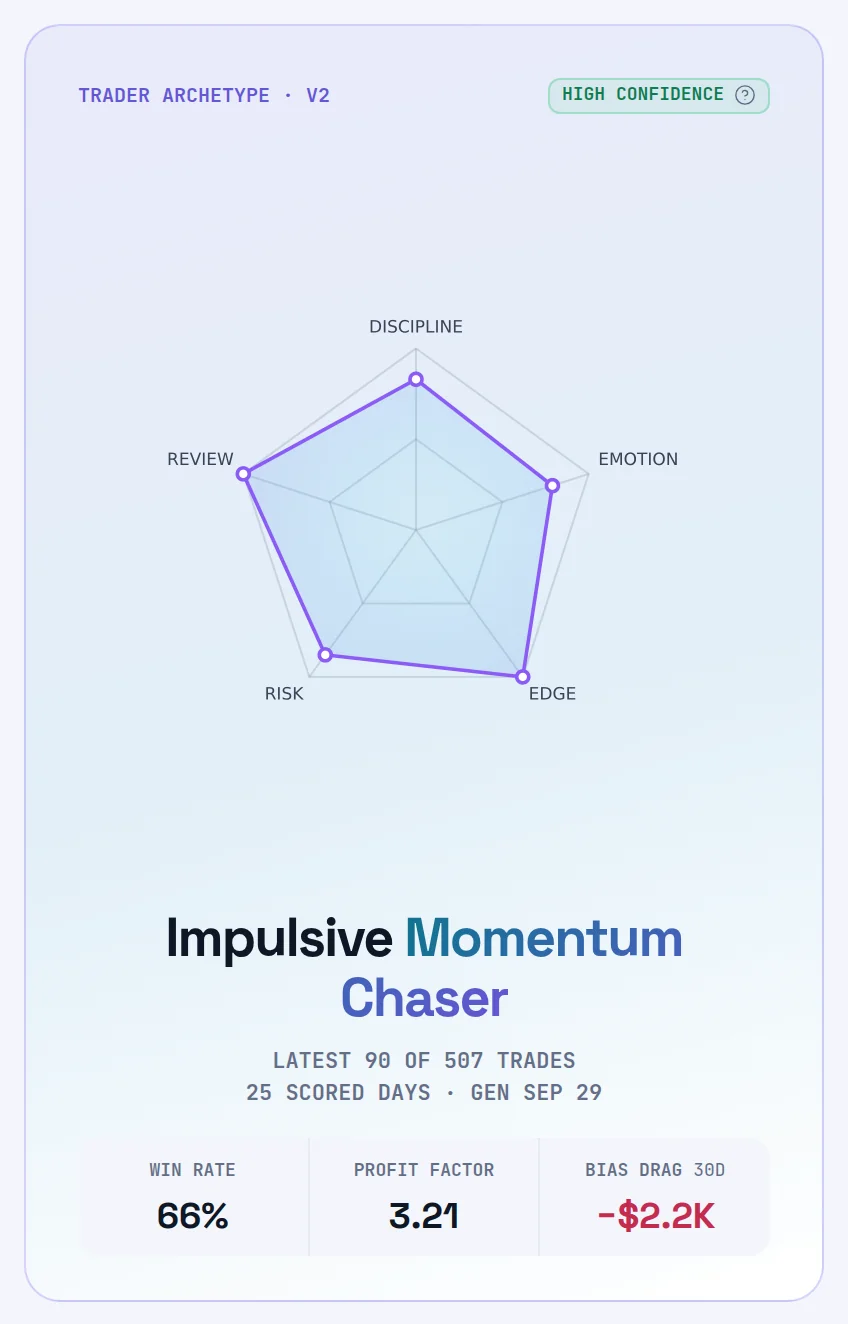
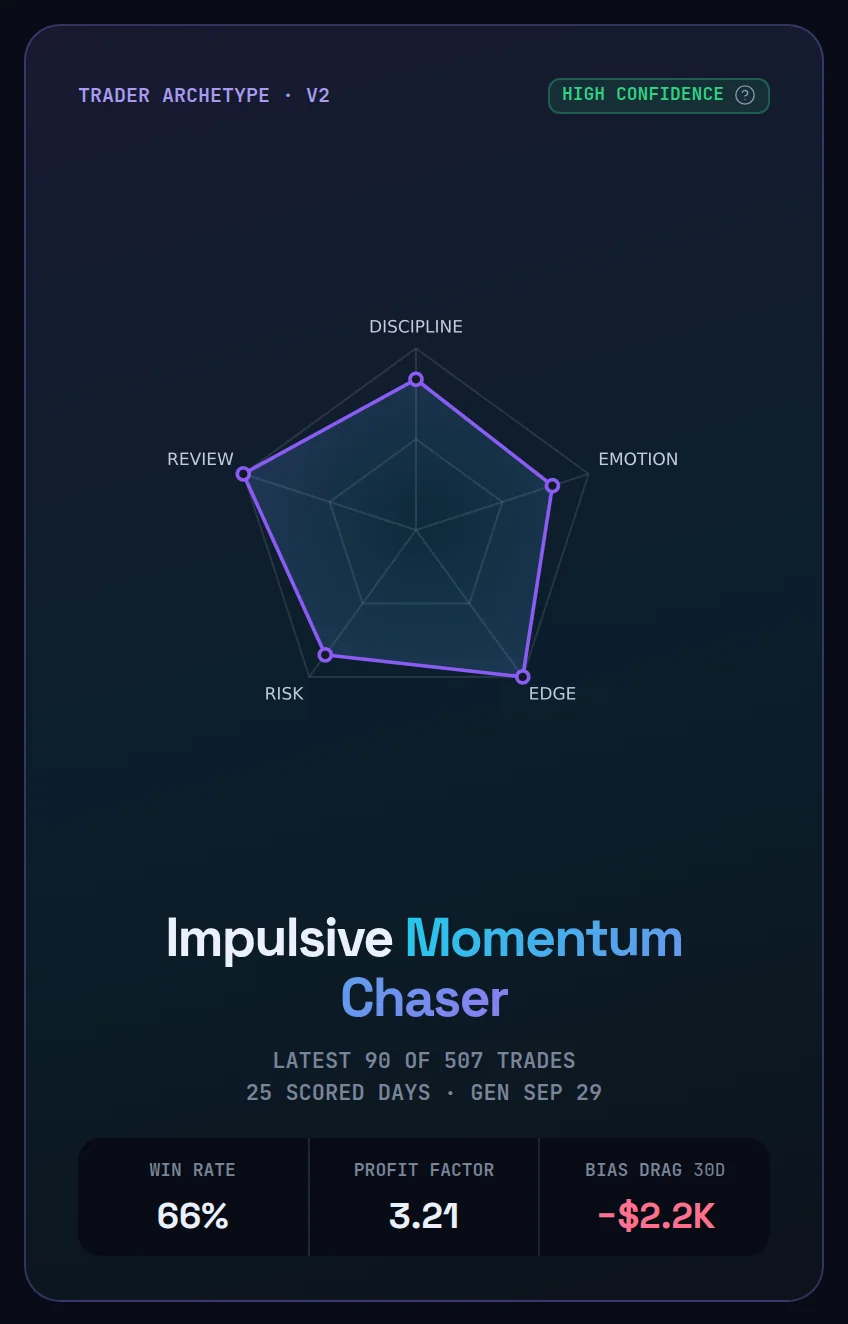
| Trader archetype | One of the nine names below, a one-line headline and a summary of what the pattern costs you |
| Radar | Five axes: Discipline, Emotion, Edge, Risk, Review. An axis that can't be scored keeps its spoke and says what it needs |
| Cells | Win rate, Profit factor and Bias drag over 30 days |
| ▲ What is working / ▼ What is costing you | Two to four of each, each with its evidence |
| Cognitive bias scores | Two to five biases the data shows, each scored 0 to 1 with a one-line reason |
| NEX recommendations | Two to four process experiments, each with a test you can score yourself and a time window, such as "next 10 trades" |
The nine archetypes#
NEX must pick exactly one. It picks the most expensive pattern the data shows, not the most flattering one and not simply the most frequent.
| Archetype | In plain words |
|---|---|
| Premature Profit Clipper | You close winners when it starts to feel uncomfortable, not at your signal. Your average win stays smaller than your average loss. |
| Hopeful Loss Holder | You hold losers or move the stop. Small planned losses become large unplanned ones. |
| Reactive Revenge Trader | You re-enter right after a loss, often bigger. Your worst trades cluster straight after your worst trades. |
| Compounding Drawdown Presser | You add to losers and press size in a slump. A drawdown becomes your deepest drawdown. |
| Impulsive Momentum Chaser | You enter late on moves already running, off your playbook, at the worst available price. |
| Vindication Seeking Operator | You trade to be proven right rather than to be paid, and won't close a position your thesis no longer supports. |
| Post-Win Risk Escalator | After a winning run you loosen your rules and raise size. Your largest losing day follows your largest winning day. |
| Hesitant Setup Skipper | After being hurt you skip or under-size your best setups. The edge goes unused rather than mismanaged. |
| Consistent Plan Executor | You execute your written plan across the sample. If there is a leak, it is in which playbooks you choose, not in discipline. |
NEX may choose Consistent Plan Executor only when rule breaks and impulsive trades are genuinely low. It is told never to choose it to be kind.
Worked example#
You're on Pro with 22 trades logged. The profile page shows the warm-up board: 8 trades to go, and figures computed straight from your own trades, marked as early. No archetype yet.
On 1 September you log your 30th trade and press Generate profile. NEX reads your trades and names you a Reactive Revenge Trader, with Medium confidence from 30 analyzed trades. The button now reads "Next refresh after" 1 October, 30 days later. On Ultimate that date would be 8 September.
When it shows "—"#
| What you see | Why |
|---|---|
| "Your behavior is being logged. The read is a Pro feature." | You're on Essential. Your trades are still kept, so your first profile reads your real history |
| Trader archetype · not generated (or · pending) with Sample progress | Fewer than 30 trades, or no profile generated yet |
| A radar axis with no point and a caption | That axis can't be scored yet. The caption says what it needs, such as attaching playbooks with rules |
| Estimated · NEX offline | The profile came from the fallback path, not the live model |
| The refresh button is disabled | Your plan's refresh window hasn't passed. It shows the next date |
What's a good behavioral profile?#
There is no score to beat. A good profile is one that is true, cites trades you recognise, and changes as you change. Read three things:
- The archetype, over time. The Prior profile and Vs prior profile cards set your last read next to this one. The same name three refreshes in a row is the pattern to work on.
- Confidence. High means the read rests on at least 60 analyzed trades. See AI Confidence.
- Bias drag. The 30-day cost of the biases NEX scored. Down is good.
How to improve it#
- Link a playbook to every trade so the Discipline axis can be scored. See link a playbook.
- Record stops and set your limits so the Risk axis has a Risk Score to read. See set your risk limits.
- Tag emotions and write short notebook entries. The Emotion and Review axes read them. See tag emotions on a trade.
- Run one experiment at a time from the recommendations panel, then refresh and compare.
Where you'll see it#
- Behavioral Profile (
/ai/profile): the full read, Profile freshness with the next refresh date, and Generate profile or Refresh profile. See NEX behavioral profile. - Dashboard: the Behavioral profile card with the radar. See the Dashboard guide.
- NEX Journal: NEX reads your latest profile when you talk to it, and treats it as stale once it is more than 35 days old.
Frequently asked questions#
How many trades do I need for a behavioral profile?#
Thirty trades in total, on Pro or Ultimate. Below that, the profile page shows a warm-up board: plain figures from your own trades, marked as early, with no archetype and no bias scores. Bias scores are written by NEX, and a formula guessing them at 18 trades would only be contradicted by the real profile twelve trades later.
How often does my behavioral profile refresh?#
Every 30 days on Pro and every 7 days on Ultimate. Once your window has passed you can press Refresh profile, and a scheduled job also queues a refresh for eligible accounts. Before the window passes, the button is disabled and shows the next date. On Pro, pressing it uses one of your monthly NEX requests. See plans.
What are the trader archetypes in Limbix?#
Nine: Premature Profit Clipper, Hopeful Loss Holder, Reactive Revenge Trader, Compounding Drawdown Presser, Impulsive Momentum Chaser, Vindication Seeking Operator, Post-Win Risk Escalator, Hesitant Setup Skipper and Consistent Plan Executor. NEX assigns the one whose pattern your record shows most expensively. The list is fixed so your profile history can show real change.
Does the behavioral profile tell me what to trade?#
No. NEX describes your past trading and names what to change about your execution. Its recommendations are limited to process and risk, such as waiting for the setup, sizing or honouring your stop. It never covers entries, exits, instruments, market direction or P&L targets. Limbix has read-only access to your trades and cannot place or change orders.
Does turning off sentiment analysis affect my profile?#
Your profile still generates, whatever the Settings description says about breaking it. It reads your 30 most recent sentiment reads. With Sentiment analysis on notebook entries switched off, no new ones are made, but the reads made before you switched it off stay stored and the profile keeps reading them. So its picture of your journal tone stops updating rather than disappearing. The switch is in Settings › Data & privacy.