
04 · Metrics
Sentiment Score
ProThe Sentiment Score is NEX's read of the emotional tone in your notebook, from −1 to +1. What the five bands mean, how it averages, and how to switch it off.
The AI's read of the emotional tone in your journal, from -1 (despair, rage) to +1 (calm confidence). Purely factual entries land near zero. NEX, the Limbix coach, gives each published notebook entry one sentiment score. The board averages them over the range you pick. It describes how you wrote, never the market.
How it's calculated#
- s_i
- The score NEX gave one published notebook entry, rounded to two decimals.
- n
- Analyzed entries in the selected range (7D, 30D, 90D, YTD or All).
src/lib/ai/sentiment-label.tsHow one entry gets its score:
- You publish a notebook entry. NEX reads it once and returns a score from −1 (despair or rage) to +1 (calm confidence). A purely factual entry sits near 0.
- A losing day is not scored negative unless your words carry it. The instruction to the model says exactly that.
- An entry that reads as pure analysis, full of figures and technical terms with no emotional language, is pulled close to zero. A trade review should not read as a mood.
- The score lands in one of five bands. Each band includes its lower edge and excludes its upper one. +1 falls in the top band.
Entries under 50 characters are too short to score. Drafts are never read. Editing a published entry queues a fresh read.
Consent: switching it off#
Sentiment reads happen only while Sentiment analysis on notebook entries is on. Find it in Settings › Data & privacy, card NEX privacy controls. It is on by default.
Turn it off and the change is immediate. NEX stops reading new entries, and the Sentiment page stops showing earlier reads. Reads made before you switched off are kept. They come back if you switch on again. See sentiment consent.
Sentiment reads don't use your monthly NEX requests.
Worked example#
In the last 30 days you published five entries. NEX scored them:
| Entry | Score | Band |
|---|---|---|
| Mon | +0.40 | Positive |
| Tue | −0.35 | Negative |
| Wed | +0.10 | Neutral |
| Thu | +0.70 | Very positive |
| Fri | −0.05 | Neutral |
Average sentiment: (0.40 − 0.35 + 0.10 + 0.70 − 0.05) ÷ 5 = 0.80 ÷ 5 = +0.16, which is Neutral. Most common tone is also Neutral, with two entries. Net · 30D is the last read minus the first: −0.05 − 0.40 = −0.45.
When it shows "—"#
| What you see | Why |
|---|---|
| NO READ and "—" | No analyzed entry in the selected range |
| "Write your first notebook entry to start tracking sentiment" | You haven't published an entry yet |
| "Waiting on analysis" | Entries exist but none has been read yet, or they are too short |
| Net or Vol σ shows "—" | Fewer than two reads in the range |
| "NEX is not reading your notebook" | Sentiment analysis is switched off in Settings |
What's a good sentiment score?#
- Very negative −1 to −0.6
- Negative −0.6 to −0.2
- Neutral −0.2 to 0.2
- Positive 0.2 to 0.6
- Very positive 0.6 to 1
| Band | From (included) | To (excluded) |
|---|---|---|
| Very negative | −1 | −0.6 |
| Negative | −0.6 | −0.2 |
| Neutral | −0.2 | 0.2 |
| Positive | 0.2 | 0.6 |
| Very positive | 0.6 | 1 (included) |
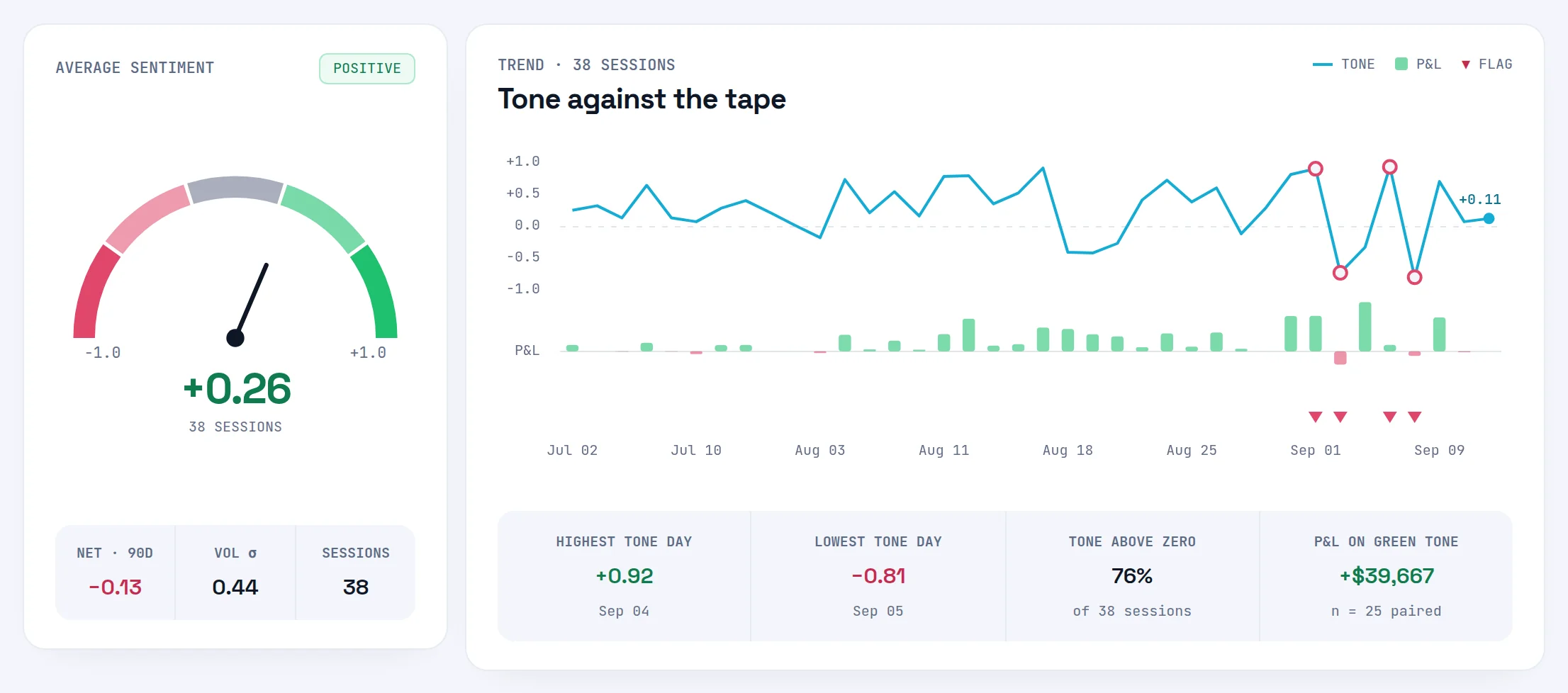
There is no good score. A higher tone is not the goal: honest entries are. Very positive writing can mean calm confidence, and it can mean euphoria before a size-up. The score earns its place when you read it next to your trades, on Sentiment vs Linked P&L and Risk Flags.
How to improve it#
- Write after every session, in your own words. One honest paragraph beats a checklist. See notebook templates.
- Link the session's trades to the entry, so tone can be set against results. See link trades to an entry.
- Read your flagged entries before your next session. See Risk Flags.
Where you'll see it#
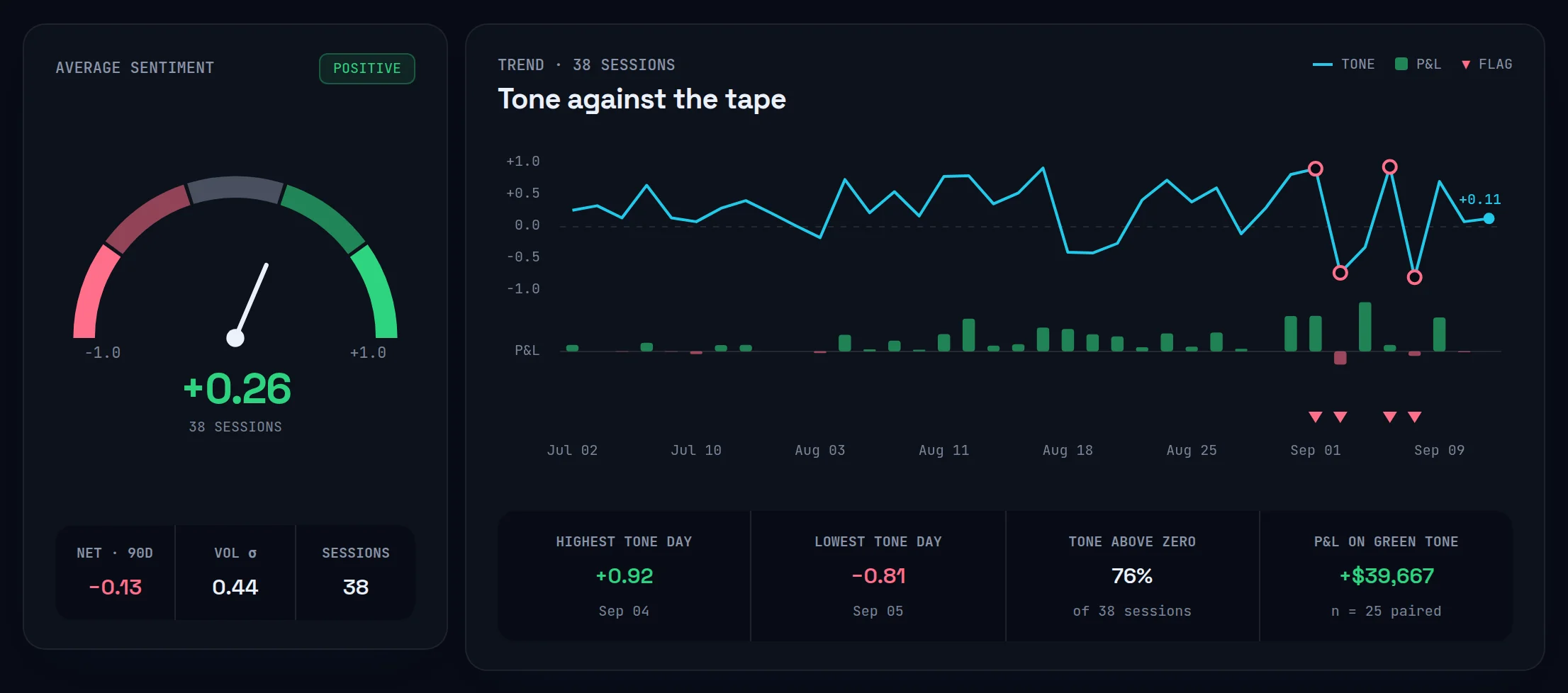
- Sentiment Analysis (
/ai/sentiment): Average sentiment with its band chip, gauge, Net, Vol σ and Sessions; Most common tone; Tone against the tape. See NEX sentiment. - NEX Journal: NEX reads your recent entries' bands when you talk to it. See NEX overview.
Frequently asked questions#
What does a negative sentiment score mean in my trading journal?#
It means the language in your entry carried negative emotion: frustration, fear, anger, hopelessness. A score below −0.2 lands in the Negative or Very negative band. It is not a judgement of your trading and not a view on any market. A losing day written up calmly should score near zero, because NEX scores the words, not the P&L.
Does NEX read my notebook without asking?#
Sentiment reads need a Pro or Ultimate plan and the Sentiment analysis on notebook entries switch, which is on by default. You can turn it off in Settings › Data & privacy. The change is immediate: no new entries are read, and earlier reads disappear from the Sentiment page until you switch it back on. Drafts are never read.
Why wasn't my notebook entry analyzed?#
The usual reasons: it is under 50 characters, it is still a draft, or sentiment analysis is switched off. Entries older than 90 days aren't picked up by Analyze … entries now. Editing one of them queues a fresh read. The Sentiment page states which of these applies.
Does sentiment analysis use my NEX requests?#
No. Scoring notebook entries doesn't count toward your monthly NEX requests on Pro, and it doesn't touch Ultimate's fair-use allowance either. Asking NEX about your sentiment in the NEX Journal is a normal conversation and counts like any other question. See quotas and privacy.